The complete guide
Customize your guest photo messagesHow to collect wedding photos from guests
Your photographer can't be at every table, and the best candids live on your guests' phones. Here's every way to collect wedding photos from guests, what actually works, and the plan couples use.

Free guest message kit
The words to ask for their favorite moments
Personalize four wedding photo requests, copy the one you need or save the full pack. Use them in your own email or group chat when the timing is right.
No album yet? You can save the wording now and replace the link placeholder before sending.
Your names and link stay in this page. Copying or downloading does not send a message to guests.
These drafts contain a link placeholder. Replace it with your tested guest link before sending.
On the day
After the wedding
Before uploads close
Before you send
Check the album’s upload dates before sending a reminder. Download and back up the originals while hosting is active. Guest photos complement your photographer’s work; they do not replace it.
- Test the guest link on a phone without your owner login.
- Check that uploads are open and confirm the closing date.
- Send reminders thoughtfully; skip guests who have already contributed.
- Download and back up your photos during the hosting period.
Five ways, honestly
Every way to collect wedding photos from guests
Couples have tried them all. Here's how each one holds up on the day — and the morning after.
Asking afterwards
The default — and the slowest
A group chat is familiar, but you still need to save and organize the files people send. Image quality depends on the service, sending method and settings. Give guests a clear request and follow up while the photos are easy to find.
A wedding hashtag
Fun, but photos scatter
Lovely for the public moments, but it only catches what guests choose to post — and the photos live on Instagram at Instagram quality, not in your hands.
Make a free wedding hashtag →A shared drive folder
Works for the organized few
A shared Google Photos album or Drive folder can suit guests who already use the service. Check contribution permissions, account requirements and remaining storage before sharing the link.
Disposable cameras
Charming, 27 shots, no retakes
Real charm, real limits: ~27 grainy frames per table, no flash range past the centerpiece, a week of developing — and you pay per camera, before you've seen a single shot.
See the full disposable-camera math →A QR photo album
One scan, every photo
A table QR code opens a guest upload page in the browser. Guests enter their name and upload photos to one unlisted album; Premium also supports video uploads.
How the wedding photo sharing app works →The plan
Before, during, after — the collection plan
Prepare the guest link, explain where to upload and send a reminder afterwards. Guests choose which photos to share; taking a photo does not upload it automatically.
1
Before the wedding
Put the album's QR code where guests already look: on the invitation or its RSVP card, the wedding website, and the welcome sign. Guests arrive knowing the drill.
2
During the reception
Place QR cards where guests will see them and explain how to share. A live slideshow can remind people to contribute, but photos must be uploaded, processed and approved before they appear. Have someone available to help.
3
The morning after
Send a thank-you message with the guest upload link while uploads are open. Allow time for guests to contribute, then download the originals and keep a backup.
No app, no login
How guests upload wedding photos — without installing anything
Every method lives or dies on guest friction. This is the whole upload flow, from a guest's point of view.
Scan the table card
The phone camera reads the QR code and opens the album in the browser — grandparents included. Nothing to install, nothing to sign up for.
Snap or pick from the camera roll
Guests select photos from their camera roll or take a new photo through their phone’s file picker. Premium supports videos too. Uploads require Wi-Fi or mobile data.
Their name rides along
Each guest types their name once, and every photo they add is credited — so you'll know to thank Aunt Carol for the shot of the night.
You stay in control
Turn on moderation and nothing goes public until you approve it; hide any photo with a tap. It's your album — guests just fill it.

12 . 06 . 2027
Amelia & James

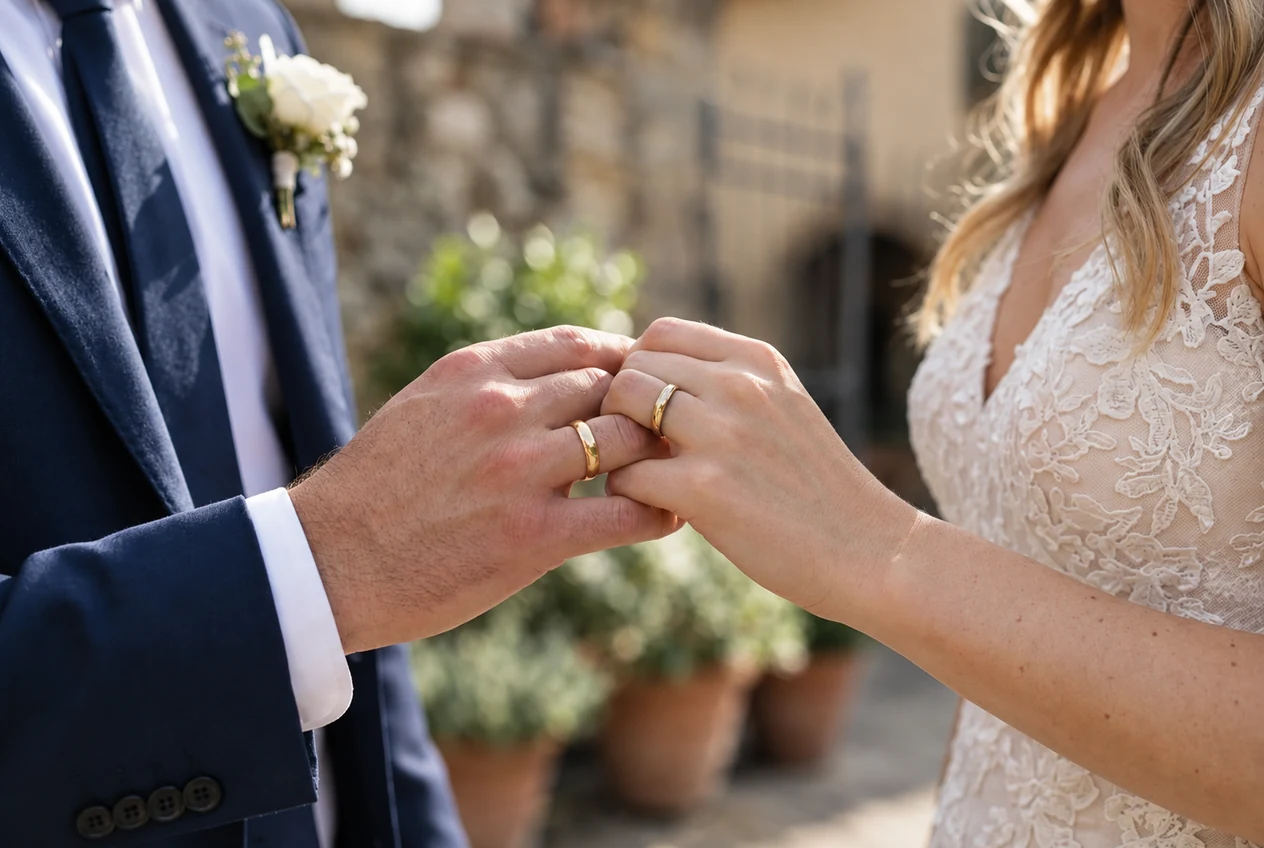
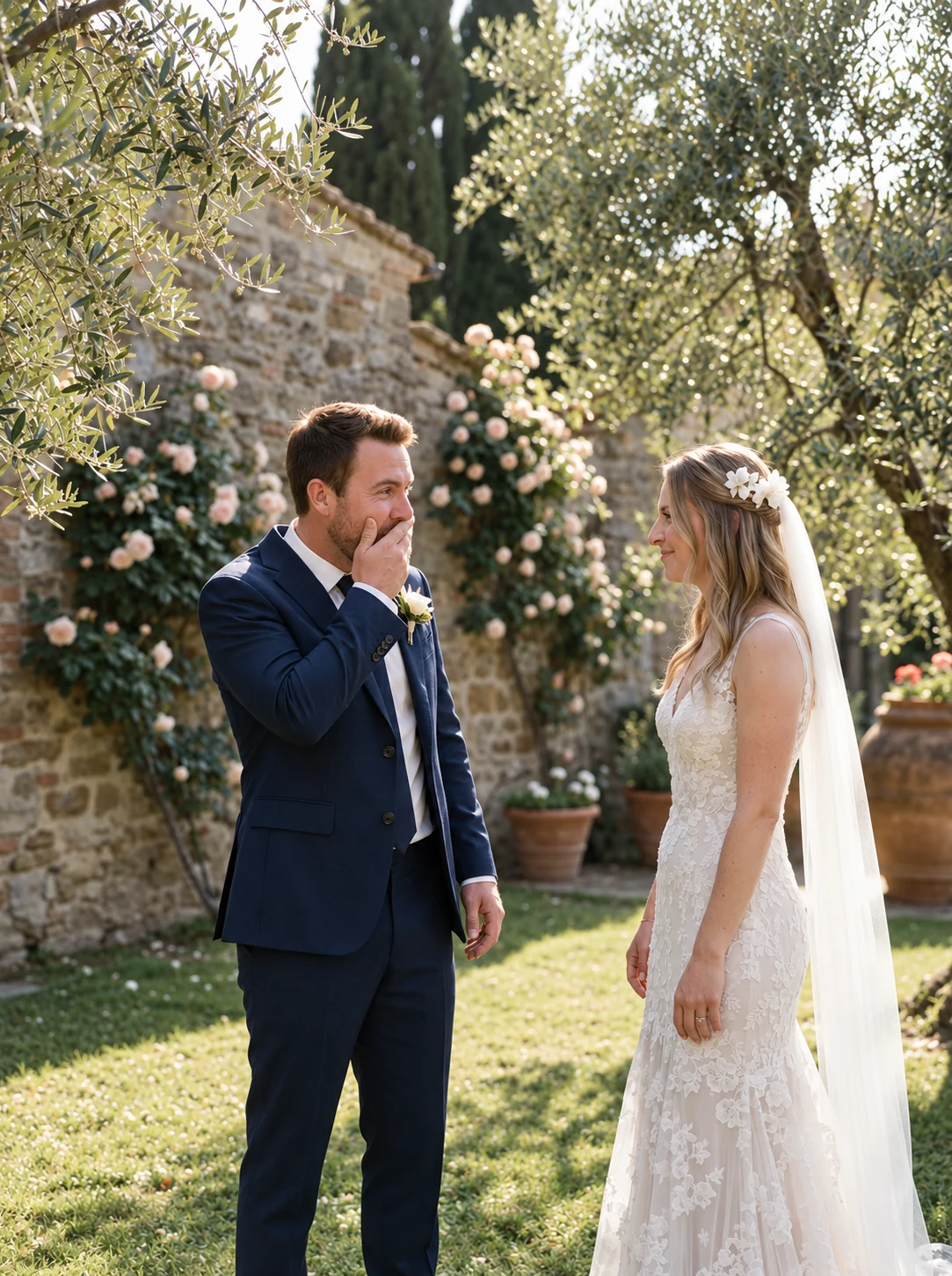
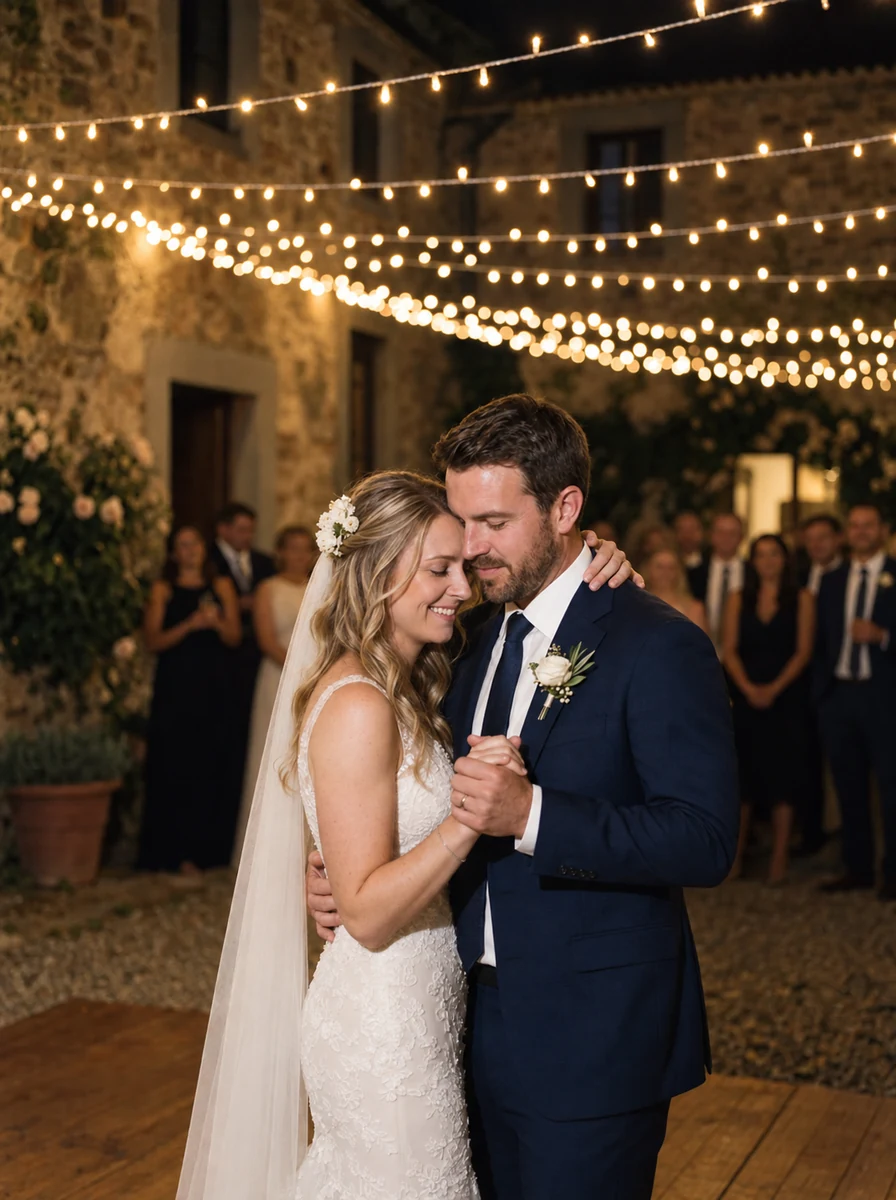
Add your photos
This preview uses generated sample photos and example names. It shows the gallery layout, not a customer wedding. Uploads are disabled in the public demo.
Questions
Wedding photos from guests — FAQs
What couples ask before picking how they'll collect the night.
What's the best way to collect photos from wedding guests?
Choose a method your guests can use easily. A browser-based QR album is convenient at the reception; a shared folder can work for guests who already use that service. Compare account requirements, privacy, storage and original downloads, then test the link on a phone.
How do I get wedding photos from guests without an app?
Use a browser-based upload album. Guests scan the table card or open your link, enter their name and select photos. No app download or guest account is required on camera.wedding, but they do need an internet connection to upload.
How do I get guests to actually upload their photos?
Put a QR card on each table, ask the MC to mention it, and show the live slideshow if you have a screen. Be specific about the photos you want. Send one friendly follow-up with the link after the wedding while uploads are open.
Can guests upload videos too?
Yes, with a Premium album. Standard accepts photos. Guests select videos in the same browser upload flow, subject to file-size and storage limits. Keep the original downloads as your own backup.
When should I send guests the album link?
Share the link before the wedding so guests know the plan, display the QR at the reception, and send a friendly thank-you request a day or two later. A final reminder is optional: check the upload deadline first and avoid repeated messages to guests who have already contributed.
How much does a wedding photo QR album cost?
camera.wedding albums use a one-time payment. Standard includes photo uploads and the live slideshow; Premium adds videos and sub-albums. Both have a storage allowance and fixed upload and hosting periods. Check the pricing page for current amounts in your currency.
What happens to the photos after the wedding?
Download your photos during the paid hosting period and keep your own backup. Standard includes one-year hosting and a one-month upload window; Premium includes three-year hosting and three months of uploads. Hosting is time-limited, even though there is no subscription.
Still have a question?
Message usReady to print
Cards as lovely as the rest of your stationery
Choose a design, add your names, and print beautiful cards your guests will actually scan. Each design comes paired with the font that suits it best — keep it, or make it your own.
12 . 06 . 2027
Amelia&James
Scan to share your photos & videos with us
Scan · Snap · Upload
camera.wedding/w/amelia-james
Classic IvoryClassic · A6
Welcome to our wedding
Amelia&James
12 . 06 . 2027
Scan to share your photos & videos with us
Scan · Snap · Upload
camera.wedding/w/amelia-james
Crimson RomanceCalligraphy · A6
12 . 06 . 2027
Amelia& James
Scan to share your photos & videos with us
Scan · Snap · Upload
camera.wedding/w/
EditorialEditorial · A6
12 . 06 . 2027
Amelia&James
Scan to share your photos & videos with us
Scan · Snap · Upload
camera.wedding/w/amelia-james
ArchRoman · A6
Create your wedding camera
16 designs · every one yours to personalize
This preview uses generated sample photos and example names. It shows the gallery layout, not a customer wedding. Uploads are disabled in the public demo.