Wedding countdown
Watch the days, hours, minutes and seconds fall away as your celebration gets closer.
Set your wedding date, personalize the title and download a beautiful countdown card to share—free, with no sign-up or watermark.
The live timer uses noon on your chosen date, so it stays simple across time zones.
Choose a card style
Every style exports as a crisp 1200 × 630 image, ready for messages and social posts.
June 12, 2027
Amelia & James are getting married
Until we say I do
Completely free · no sign-up · no watermark
Create your wedding day countdown
A live timer for today and a polished card you can keep sharing as the number changes.
Choose the date
Add the day you are getting married and see the live countdown update instantly.
Make it yours
Write your own heading and choose an ivory, evening or soft-rose card style.
Share the excitement
Download the card or copy a ready-made message for family, friends and your wedding party.

Wedding countdown ideas for every milestone
A marriage countdown can mark the planning moments that make the months before your wedding feel special too.
One year to go
Share the first big milestone when the date begins to feel real and planning gathers pace.
One hundred days
Use a fresh card to rally the wedding party and celebrate moving into double digits.
One month
Pair the countdown with practical reminders for travel, fittings and final replies.
The final week
Switch from planning updates to pure excitement as your favorite people begin to arrive.
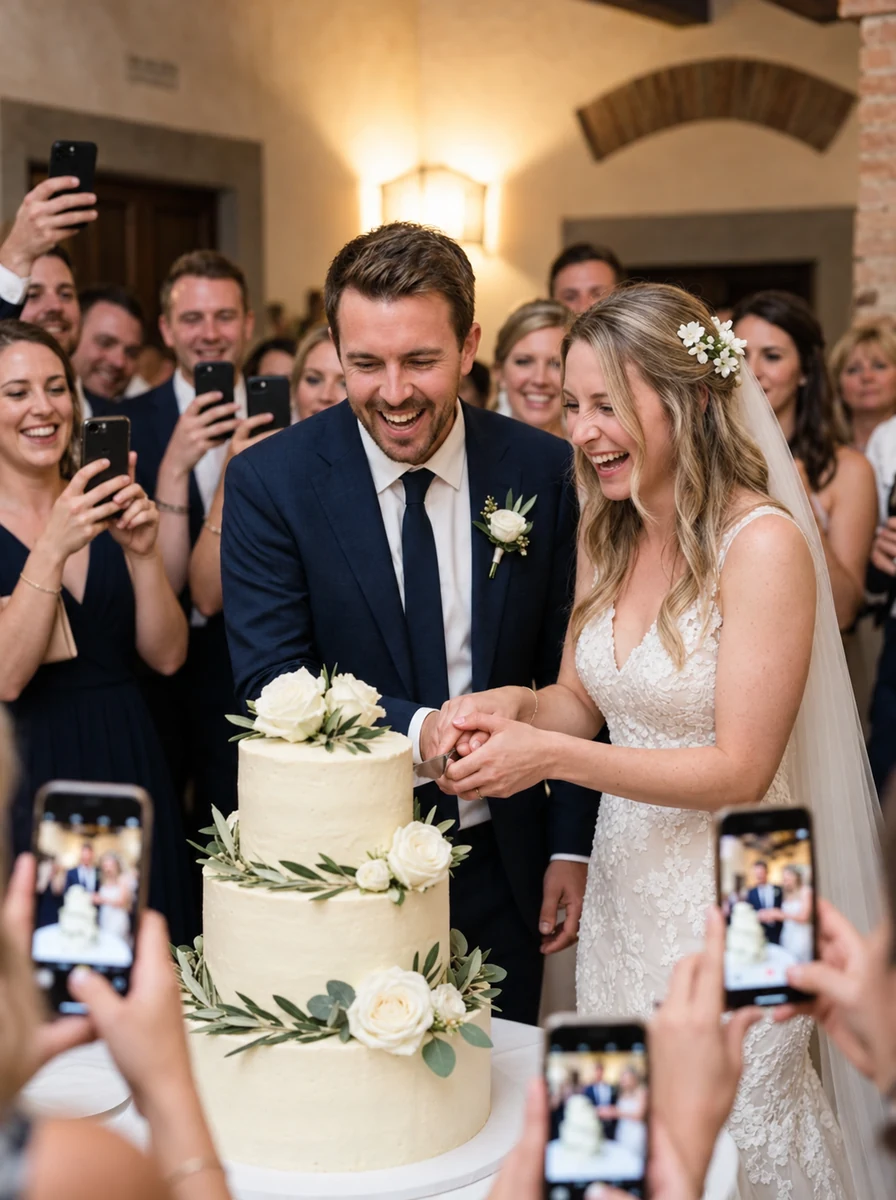
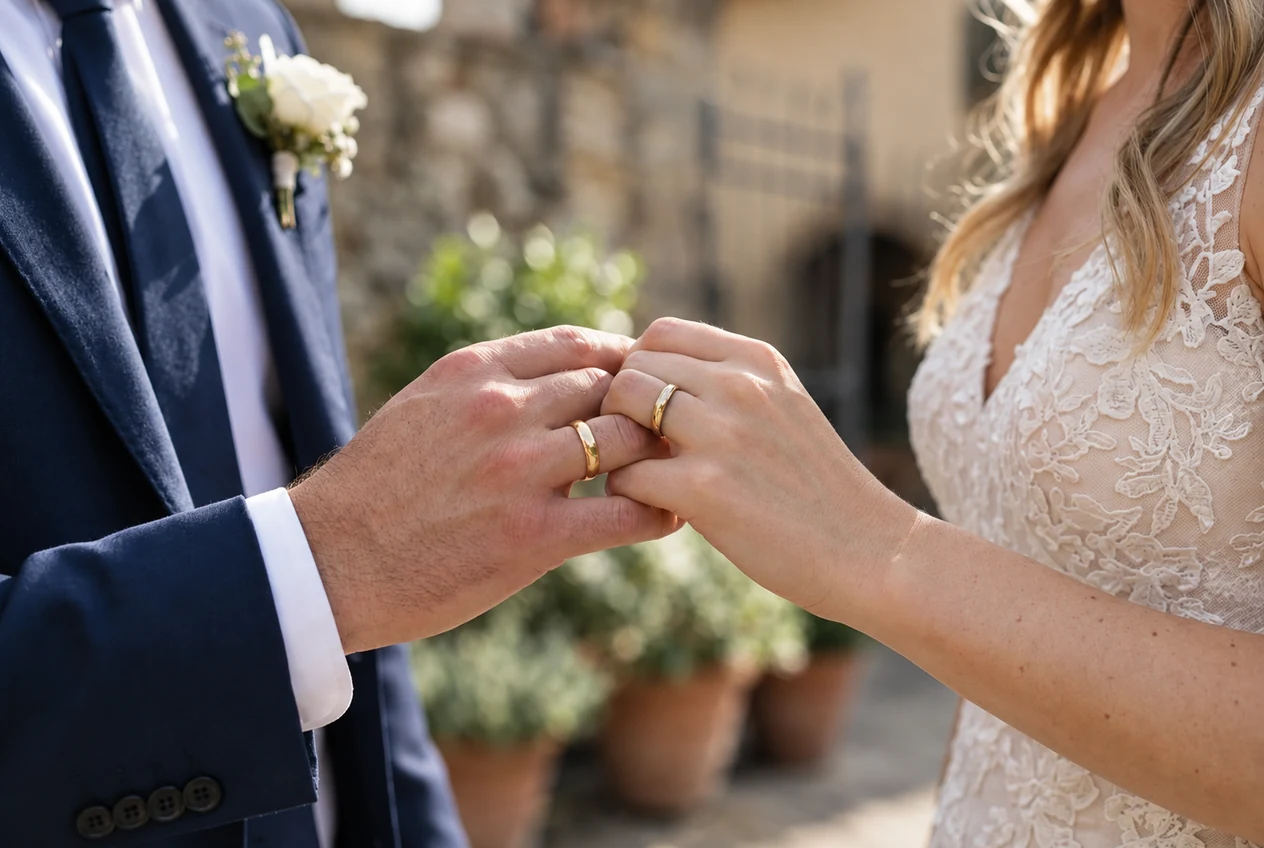
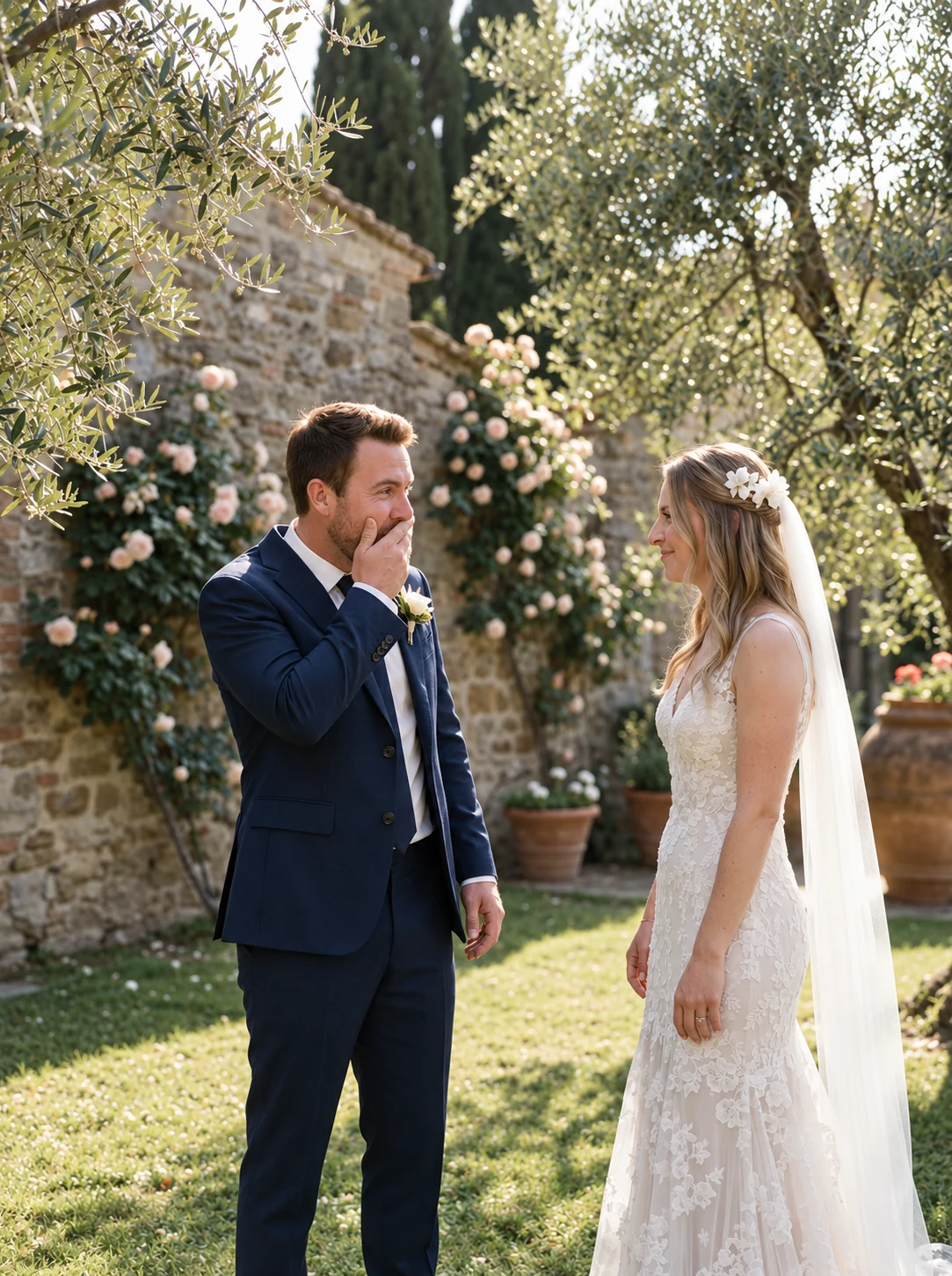
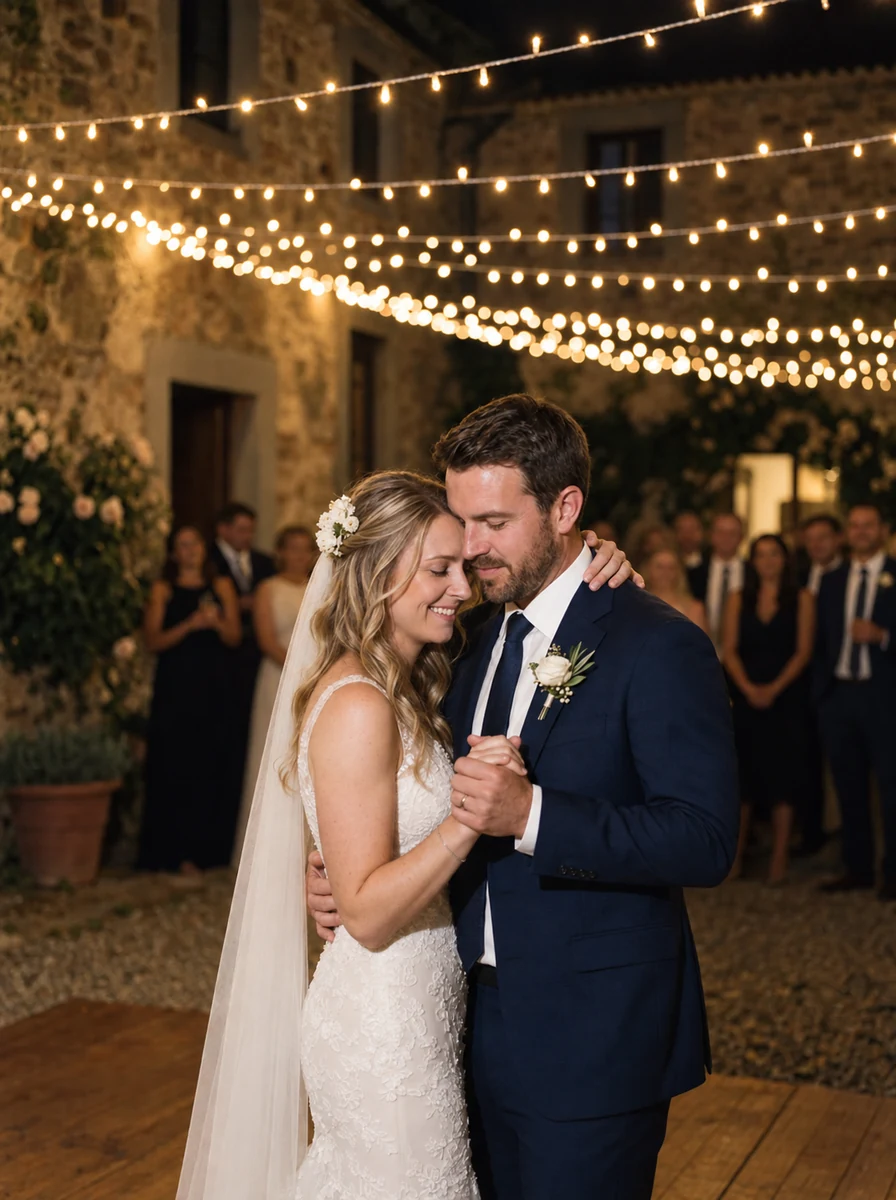
Count down to a gallery filled by everyone there
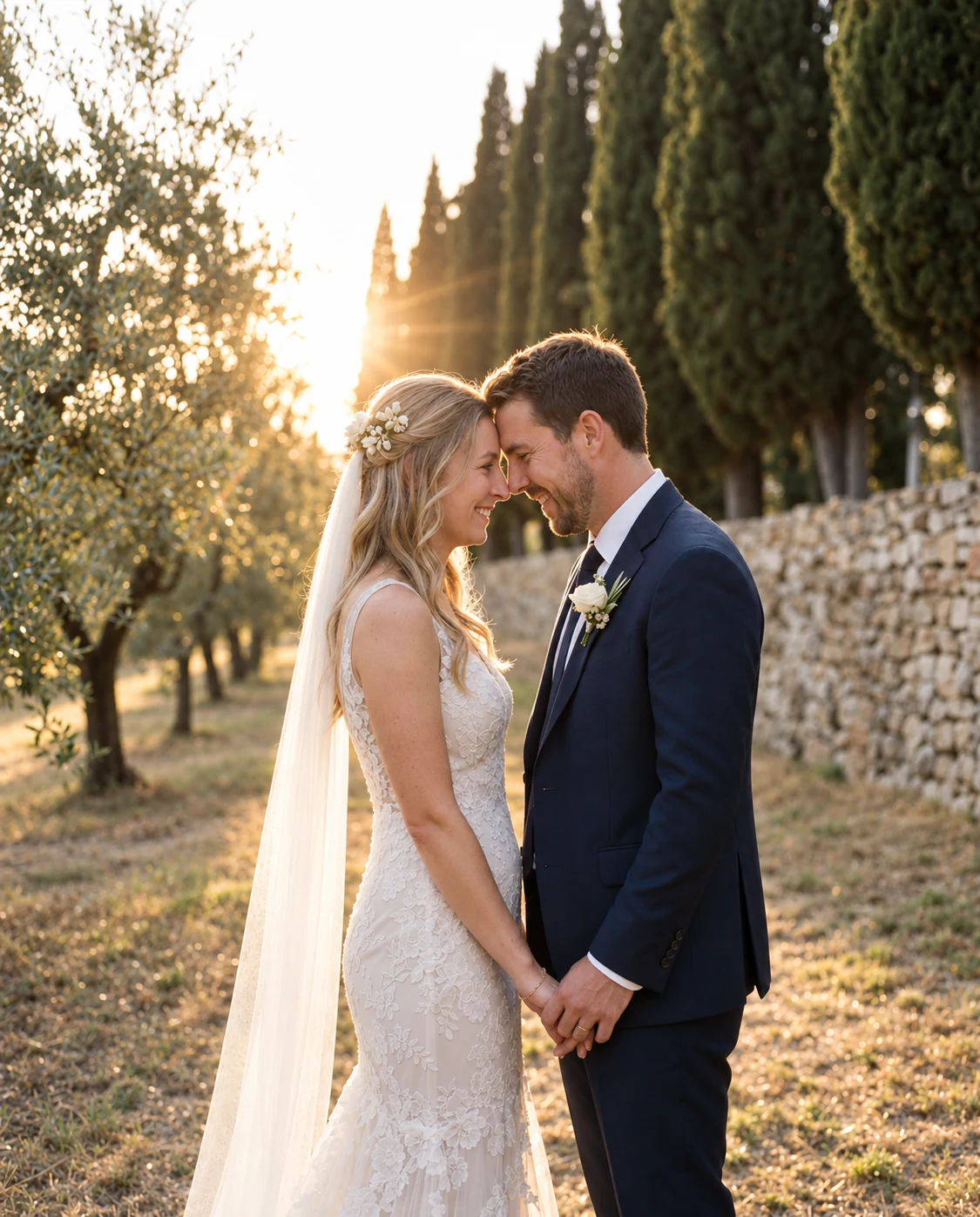
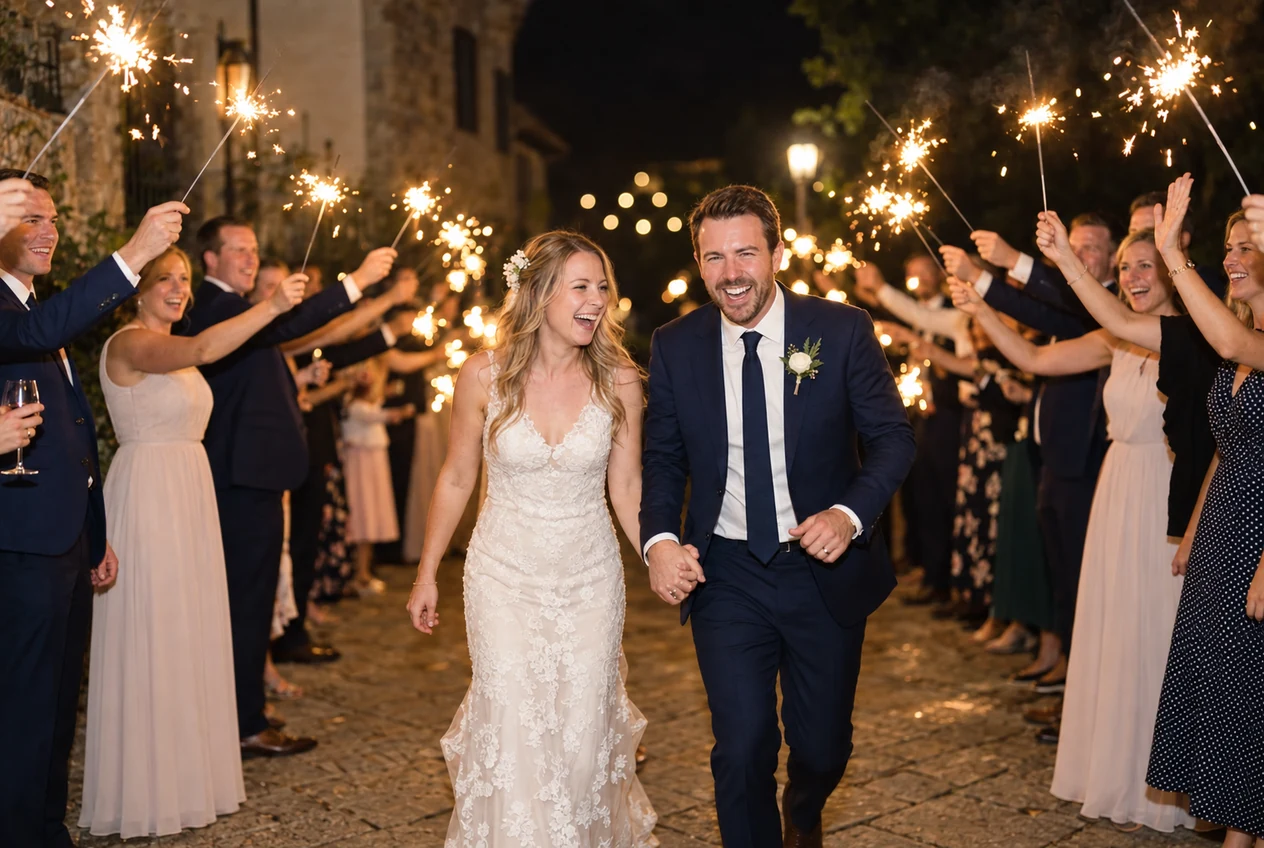
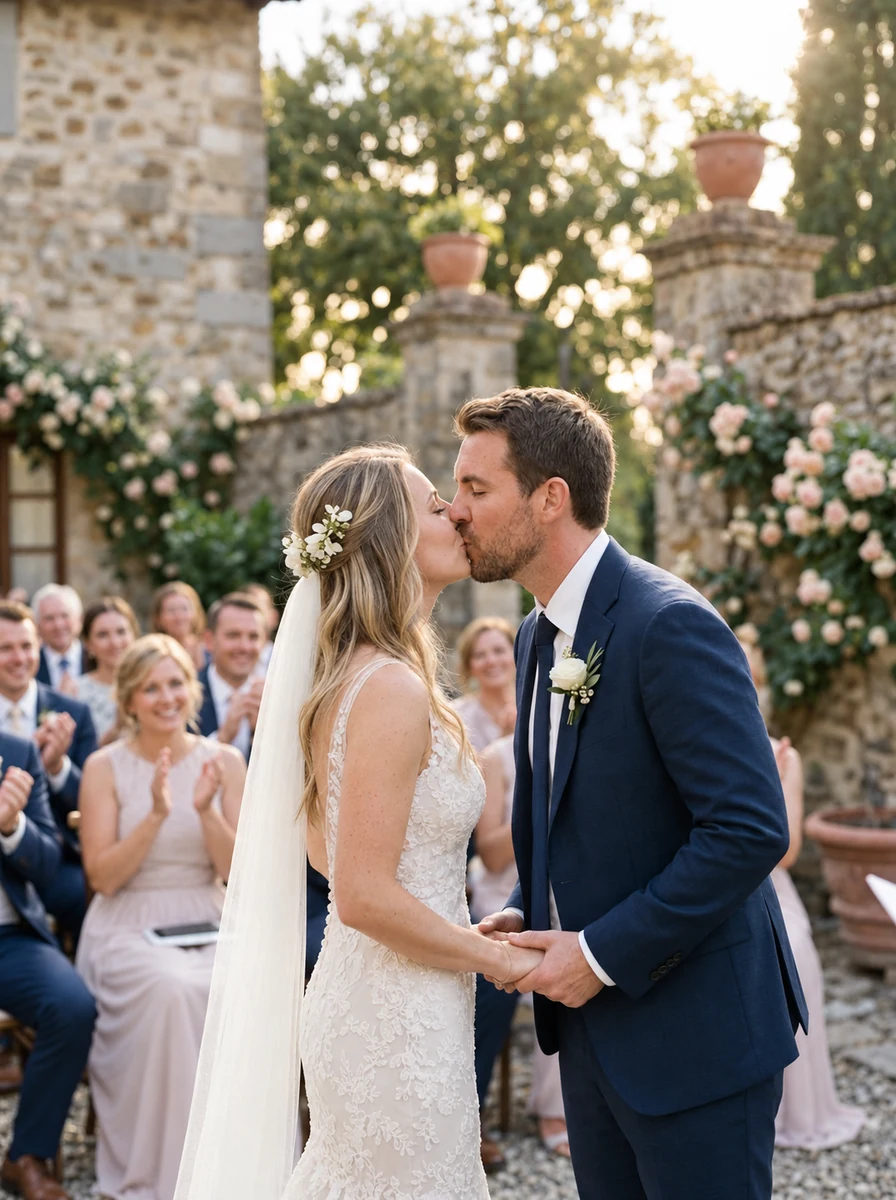
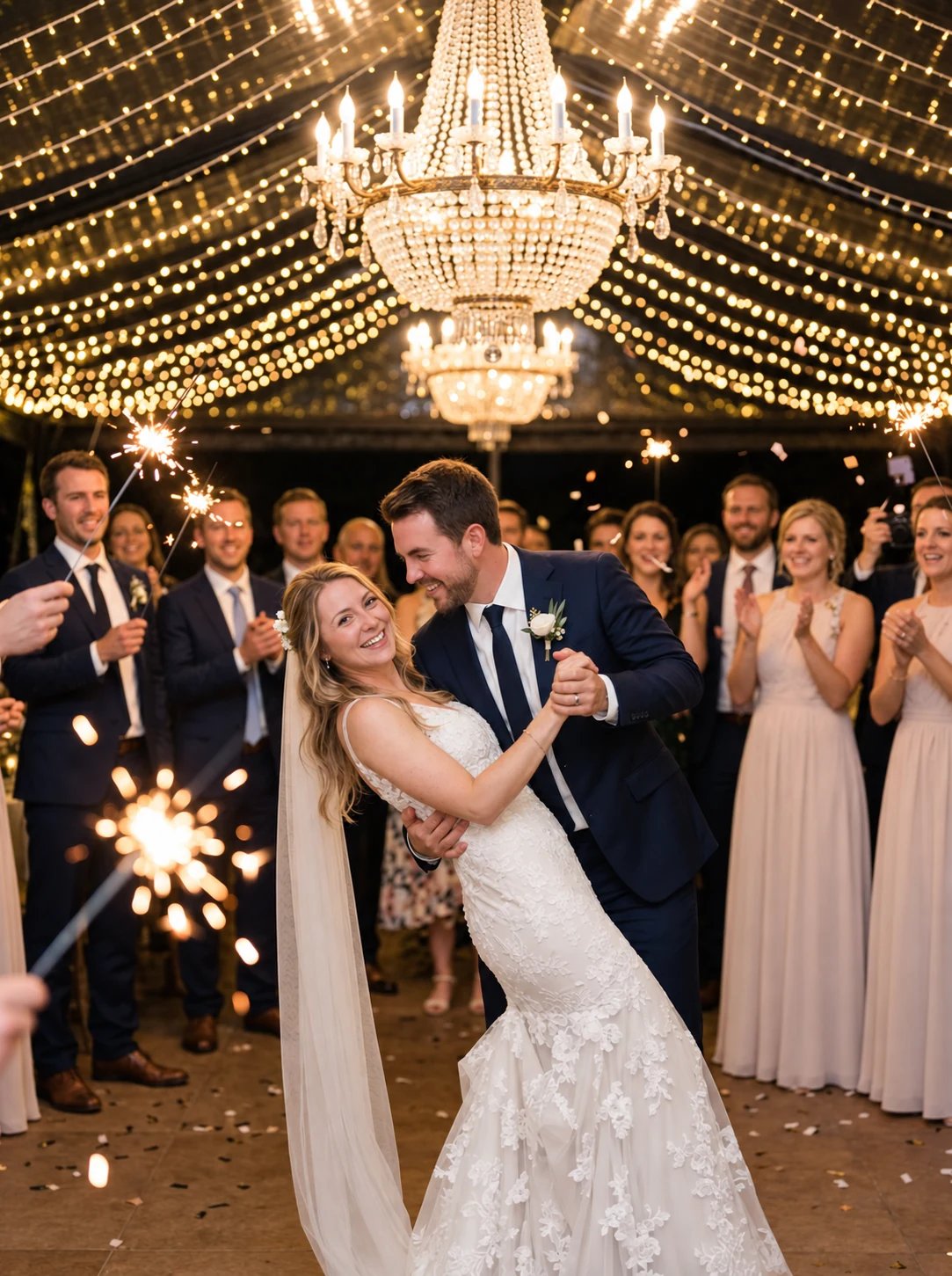
Share your hosted album’s QR code or guest link on the day. Guests enter their name and upload selected photos in a supported browser; Premium adds videos. Storage and upload-window limits apply.
No guest app · no guest login · original quality

Amelia & James

How to share a wedding countdown
The best countdown updates build anticipation without turning every group chat into another planning channel.
Save it for real milestones
One year, 100 days, one month and one week feel meaningful; daily posts can quickly become noise.
Add useful context
Pair the image with one timely detail, such as the reply deadline or transport plan.
Keep the card recognizable
Use one visual style throughout so every update feels like part of the same celebration.
Turn the final post into an invitation
On the wedding day, replace the countdown link with the QR album guests will use to share photos.
Wedding countdown questions
Simple answers before you start watching the clock.
Choose your wedding date, add a personal heading and select a card style. The timer calculates the remaining days, hours, minutes and seconds automatically, and you can download the current result as an image.
Still have a question?
Message usCards as lovely as the rest of your stationery
Choose a design, add your names, and print beautiful cards your guests will actually scan. Each design comes paired with the font that suits it best — keep it, or make it your own.
12 . 06 . 2027
Amelia&James
Scan to share your photos & videos with us
Scan · Snap · Upload
camera.wedding/w/amelia-james
Welcome to our wedding
Amelia&James
12 . 06 . 2027
Scan to share your photos & videos with us
Scan · Snap · Upload
camera.wedding/w/amelia-james
12 . 06 . 2027
Amelia& James
Scan to share your photos & videos with us
Scan · Snap · Upload
camera.wedding/w/
12 . 06 . 2027
Amelia&James
Scan to share your photos & videos with us
Scan · Snap · Upload
camera.wedding/w/amelia-james
16 designs · every one yours to personalize
This preview uses generated sample photos and example names. It shows the gallery layout, not a customer wedding. Uploads are disabled in the public demo.