Free online wedding invitations with RSVP
Create a digital wedding invitation with a QR code for WhatsApp, email or your own RSVP form. Download a PNG to send with your reply link. Free, no sign-up, no watermark.
Choose one of four designs and add your wedding details. This tool creates an invitation image; replies stay in your chosen messaging app or external form. It does not host an invitation website or manage your guest list.
The QR code opens a WhatsApp chat with the number you enter. Send the same contact or link beside your invitation so guests can reply from the same phone.
Include the country code, e.g. +1 555 013 4200.
The small line under RSVP, e.g. "Kindly reply by May 1, 2027".
Together with their families
Amelia&James
invite you to celebrate their wedding
Saturday, June 12, 2027
Four o'clock in the afternoon
Rosewood Manor
Charleston
RSVP
Kindly reply by May 1, 2027
+1 555 013 4200
Free download — no sign-up, no watermark, ready to send.
How online wedding invitations with RSVP work
Design your invitation
Pick one of four phone-format designs, add your names, date and venue, and choose a names font. The preview updates as you type.
Add your RSVP
Choose how guests reply — WhatsApp, email or any form link — and the invitation gets a QR code plus a reply-by line.
Send it anywhere
Download the PNG and attach it to WhatsApp, a text message or email. Add your reply link as message text; file sharing is available where the browser supports it.
A wedding invitation with QR code RSVP
The QR code points to the reply method you choose. Add the same contact or full link to the message you send with the image.
Make replies easy on the same phone
A guest may be able to recognize the QR code in a saved image using their phone’s photo or scanning app. Support varies; a separate link in the message gives them another way to reply.
Choose where replies arrive
WhatsApp opens a chat, email opens a draft, and a form link opens your external RSVP page. The guest still needs to send their response; this generator does not receive or count it.
Keep the complete contact nearby
The card prints a contact line under the code. Long form links are shortened for display, so also send the full URL as text. Test the QR code after sending the image.

The invitation gathers your guests. This gathers their photos.
After invitations, use a separate camera.wedding album to collect guests’ full-quality photos. Guests scan the album QR code and upload without an app or guest account. Premium also supports video; the invitation’s RSVP QR code is a different link.
Set up in minutes — one-time price, no subscription.

Amelia & James
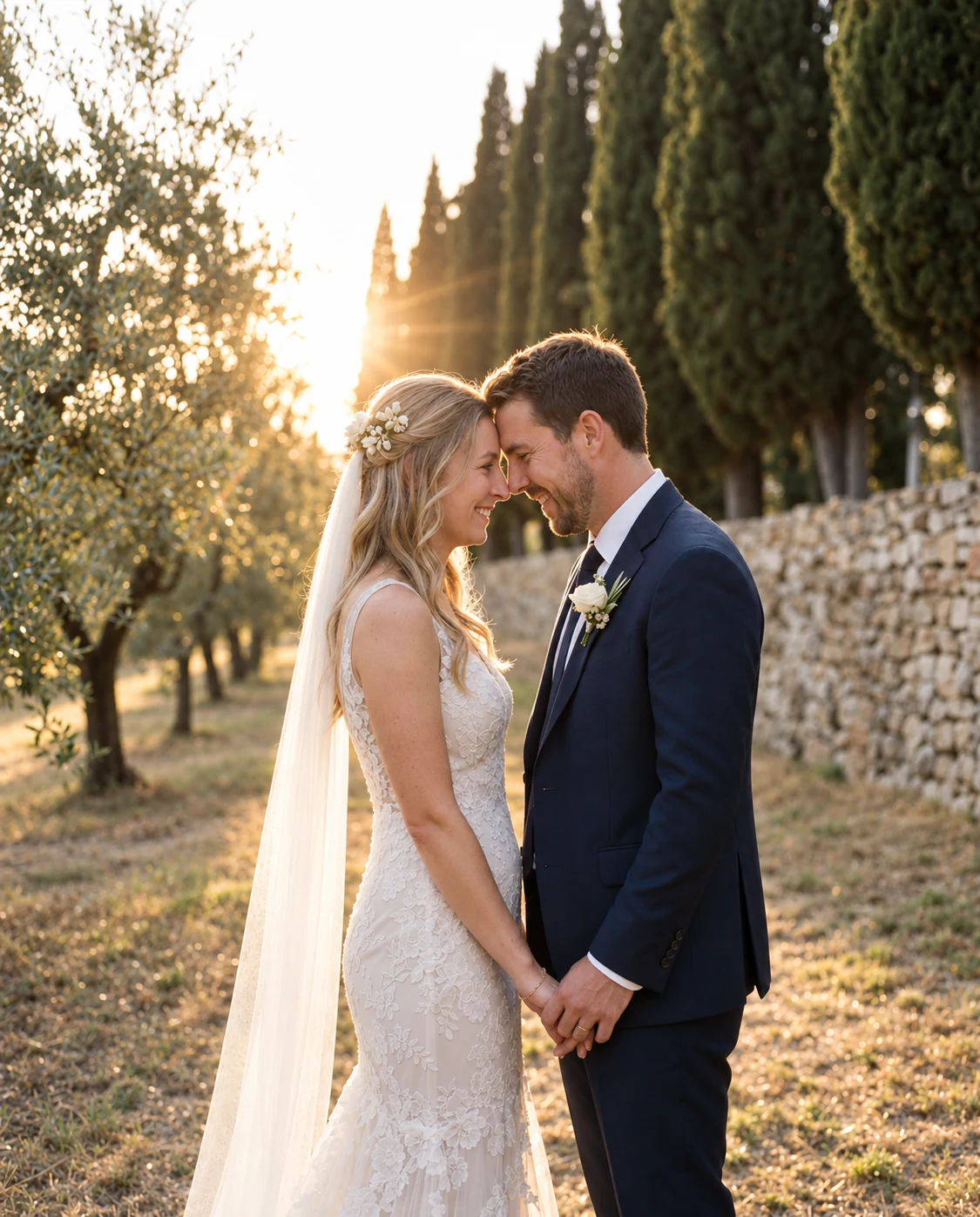
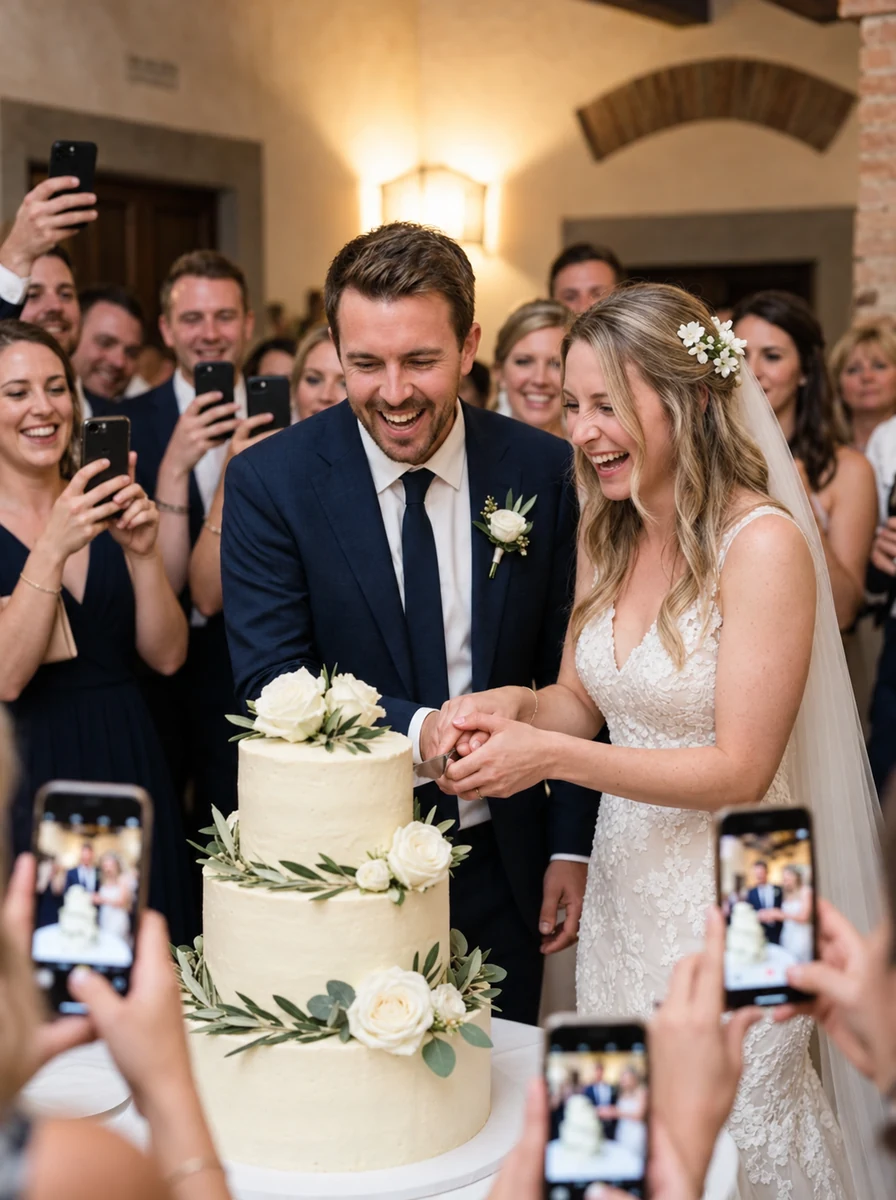

Digital wedding invitations and paper RSVP cards
Choose a format your guests can use. A digital invitation saves a mailing step, while printed cards can suit guests who prefer paper.
Plan how you will count responses
Keep replies in a list you maintain, or use your own form to collect attendance and meal choices. WhatsApp and email messages are not automatically turned into a guest list by this tool.
Follow up with guests who have not replied
Include a reply-by date and check your chosen inbox or form before sending reminders. A digital invitation does not guarantee a faster response or replace your follow-up.
Combine digital and printed invitations
Send the PNG to guests who use messaging apps and make a separate printable invitation for guests who prefer paper. Keep the date, venue and reply deadline consistent.
How to send a digital wedding invitation on WhatsApp
Send the invitation image and a separate reply message together. A PNG can show a QR code, but it cannot contain a clickable link.
A message to send with your invitation
We would love to celebrate with you! Please reply by [deadline] using [full RSVP link or contact]. Let us know who is attending. Amelia & James
Before you send it to your guests
- 1
Replace every sample detail
Check names, date, time, venue, country code and reply deadline. The preview’s example phone number and email are placeholders; put your own contact details in the RSVP tab.
- 2
Send a test to yourself
Open the image you received, check that the text is readable and test the QR destination. Also open the complete RSVP link in your message; a shortened printed link may not be enough to type manually.
- 3
Choose one place to manage attendance
Use your own list or external form to record replies. If you need names, meal choices or a plus-one count, ask for them explicitly; this generator does not collect or reconcile responses.
The four designs export a portrait PNG. They do not create a hosted invitation page, automatic reminders or an RSVP dashboard.
Free online invitations with RSVP — FAQs
Everything couples ask before sending their first digital invitation.
Are these digital wedding invitations with RSVP free?
Yes. Design and download the invitation PNG without an account or watermark. You provide the WhatsApp number, email address or external RSVP form link. A camera.wedding photo album is a separate paid product.
How do guests RSVP from a digital invitation?
The QR code opens the WhatsApp chat, email draft or external form you choose. Guests must send their response themselves. QR recognition from an image varies by device and app, so include your complete contact or reply link in the accompanying message.
Can I send wedding invitations by WhatsApp or text?
Yes. Download the PNG and attach it like a photo. Paste your RSVP link or contact in the message as well: a link drawn inside a PNG is not clickable. A native Share button appears only where the browser supports sharing files.
Can I email the invitation?
Yes. Attach the PNG to your email and include the full reply link or email address as text. A guest can scan the QR code from another screen or use a compatible image-scanning feature; provide the text alternative too.
Does this tool track RSVPs or create a wedding website?
No. It creates a downloadable invitation image with a QR code. Responses remain in your WhatsApp, email or external form. It does not host a wedding website, store attendance, send reminders or collect meal choices itself.
What file do I download?
A 4:5 portrait PNG at 2480×3100 pixels. The digital invitation tool does not export a PDF or an editable vector file. Messaging apps may compress the image; send it as a file when that option is available and check the received version.
Can I make a matching printed invitation?
Use the separate free wedding invitation generator for a 127×178 mm PDF or a PNG. Its designs share the site’s stationery style; it does not automatically copy your digital invitation details. Check the printer’s size, paper and bleed requirements.
How can I test the RSVP QR code before sending?
Enter your real contact details or form URL, download the invitation and send it to yourself. Scan the received image from another screen or use a compatible photo-scanning app. Confirm it opens the correct destination, test your text reply link and check that your form accepts responses.
Is the RSVP QR code the same as a wedding photo album QR code?
No. This invitation’s QR code opens your chosen reply destination. A camera.wedding album has its own guest-upload link and QR code. Share that separate album QR code on the wedding day; do not replace the RSVP destination with it by accident.
Still have a question?
Message usCards as lovely as the rest of your stationery
Choose a design, add your names, and print beautiful cards your guests will actually scan. Each design comes paired with the font that suits it best — keep it, or make it your own.
12 . 06 . 2027
Amelia&James
Scan to share your photos & videos with us
Scan · Snap · Upload
camera.wedding/w/amelia-james
Welcome to our wedding
Amelia&James
12 . 06 . 2027
Scan to share your photos & videos with us
Scan · Snap · Upload
camera.wedding/w/amelia-james
12 . 06 . 2027
Amelia& James
Scan to share your photos & videos with us
Scan · Snap · Upload
camera.wedding/w/
12 . 06 . 2027
Amelia&James
Scan to share your photos & videos with us
Scan · Snap · Upload
camera.wedding/w/amelia-james
16 designs · every one yours to personalize
This preview uses generated sample photos and example names. It shows the gallery layout, not a customer wedding. Uploads are disabled in the public demo.