Google Photos
Use the sharing settings that fit your guests
- Google Photos supports shared albums and QR links.
- Check who can view and add photos before you share.
- Backup quality and storage depend on the service and settings.
Collect guest photos in one private wedding album with a QR code. Guests upload in their browser without downloading an app or creating an account. Premium also supports videos.
One-time payment per wedding. Photo uploads within your plan’s storage allowance.
12 . 06 . 2027
Amelia&James
Scan to share your photos & videos with us
Scan · Snap · Upload
camera.wedding/w/amelia-james
This preview uses generated sample photos and example names. It shows the gallery layout, not a customer wedding. Uploads are disabled in the public demo.
Create your album and download matching table cards and a welcome sign — or make a card first with the free QR code generator.
Guests scan the QR code, enter their name and upload in their phone’s browser. No app download or guest account is needed. Test the flow on a phone before the wedding.
Guest photos arrive in your album; Premium also accepts videos. Download the originals during your hosting period and keep a separate backup.
Give guests one clear place to share, with practical instructions for the day:
The QR code opens your guest page. Guests enter their name, select photos and upload using a supported browser and an internet connection. No guest account is needed.
Keep the uploaded originals rather than forwarding files through a chat app. Choose Premium if you want guests to upload speeches and first-dance videos too.
Guests enter their name and select photos in the browser. Put a written album link on the card too, and ask someone to help guests who are unfamiliar with QR codes.
Your album is unlisted. The shared QR code or link carries guest access and can be forwarded. You choose whether guests can view the gallery.

Amelia & James
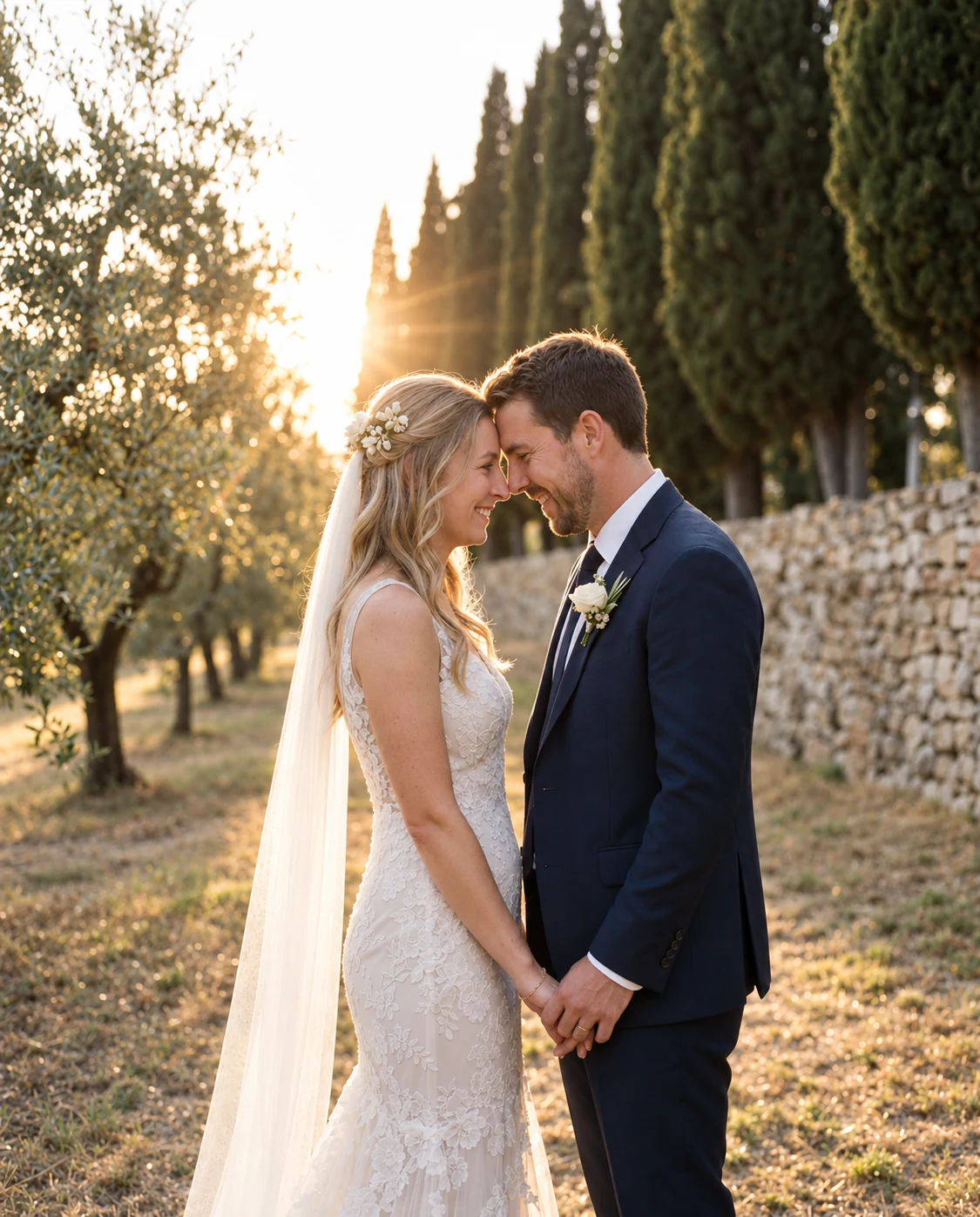

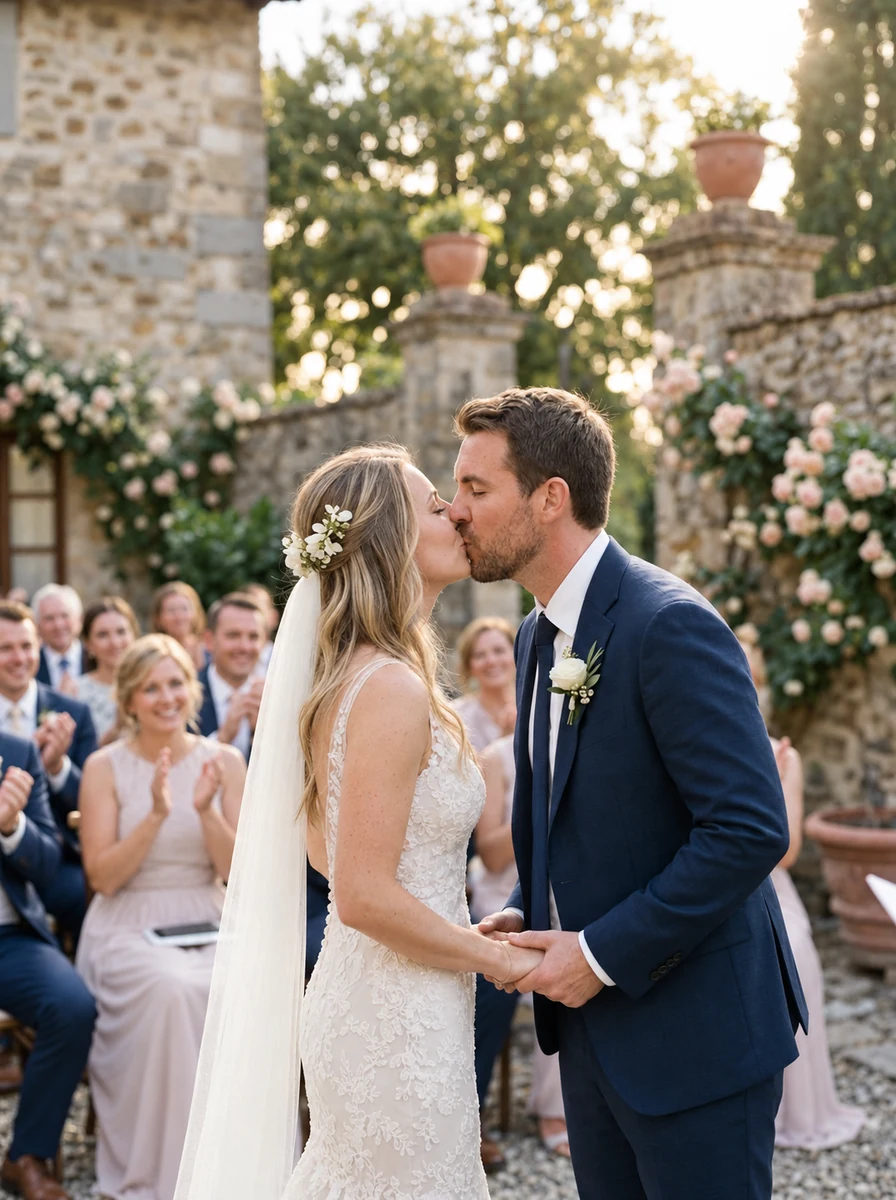
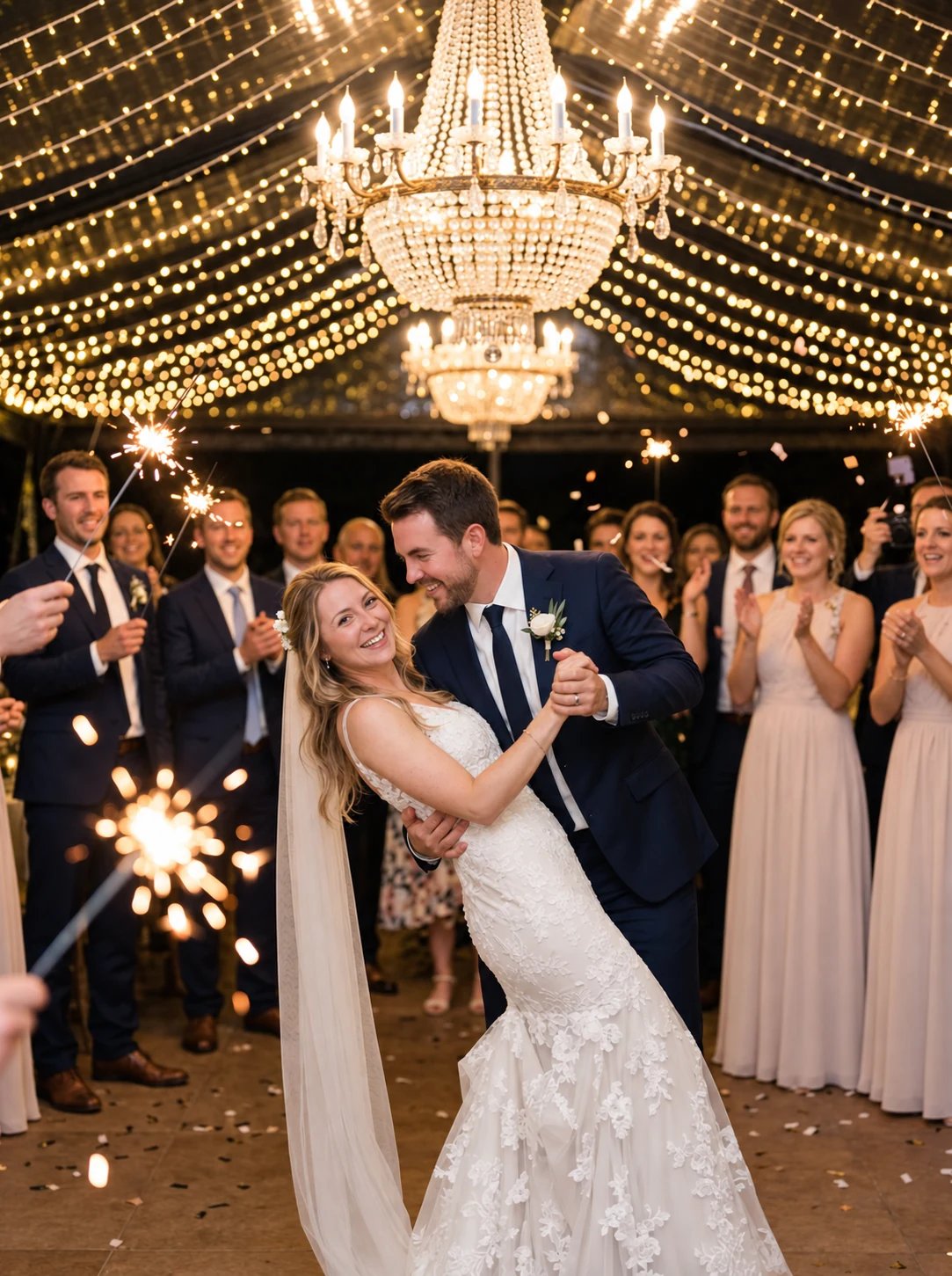
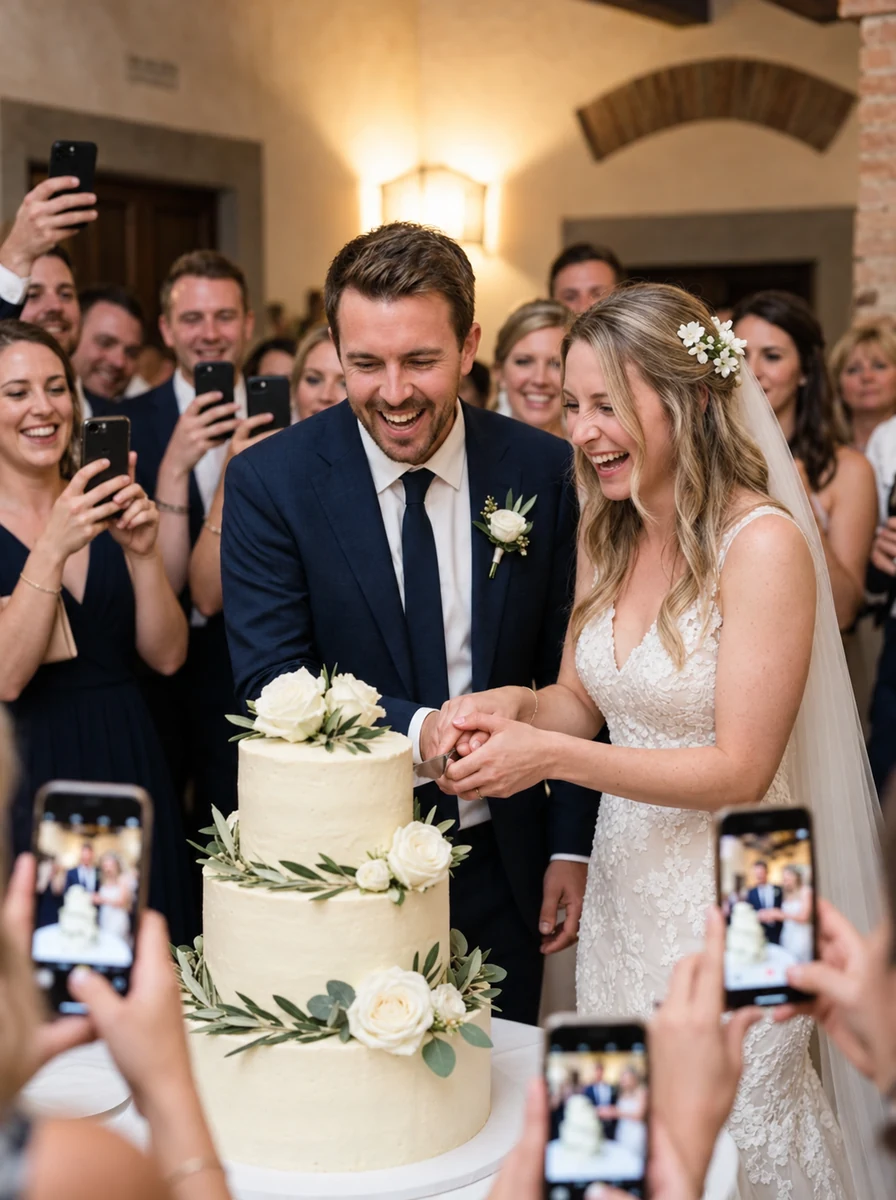
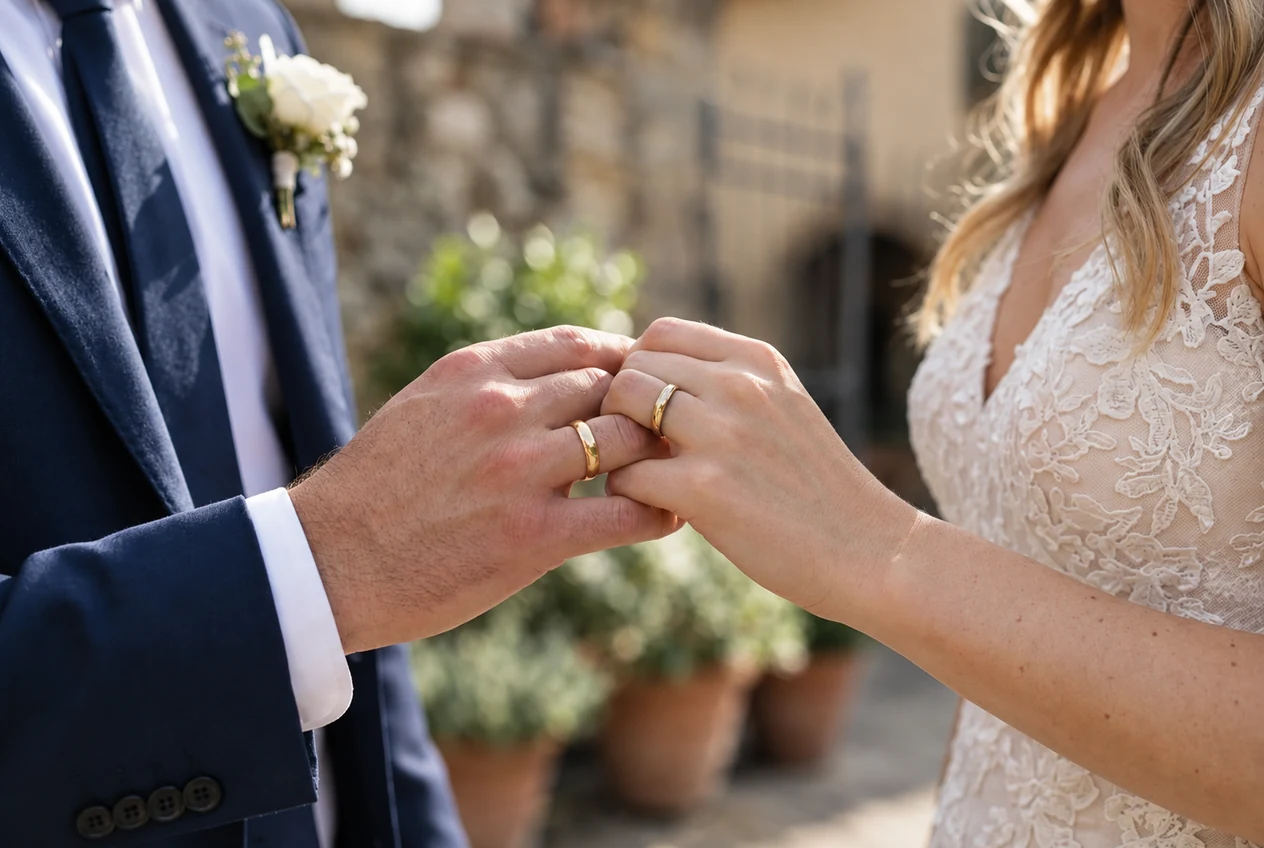
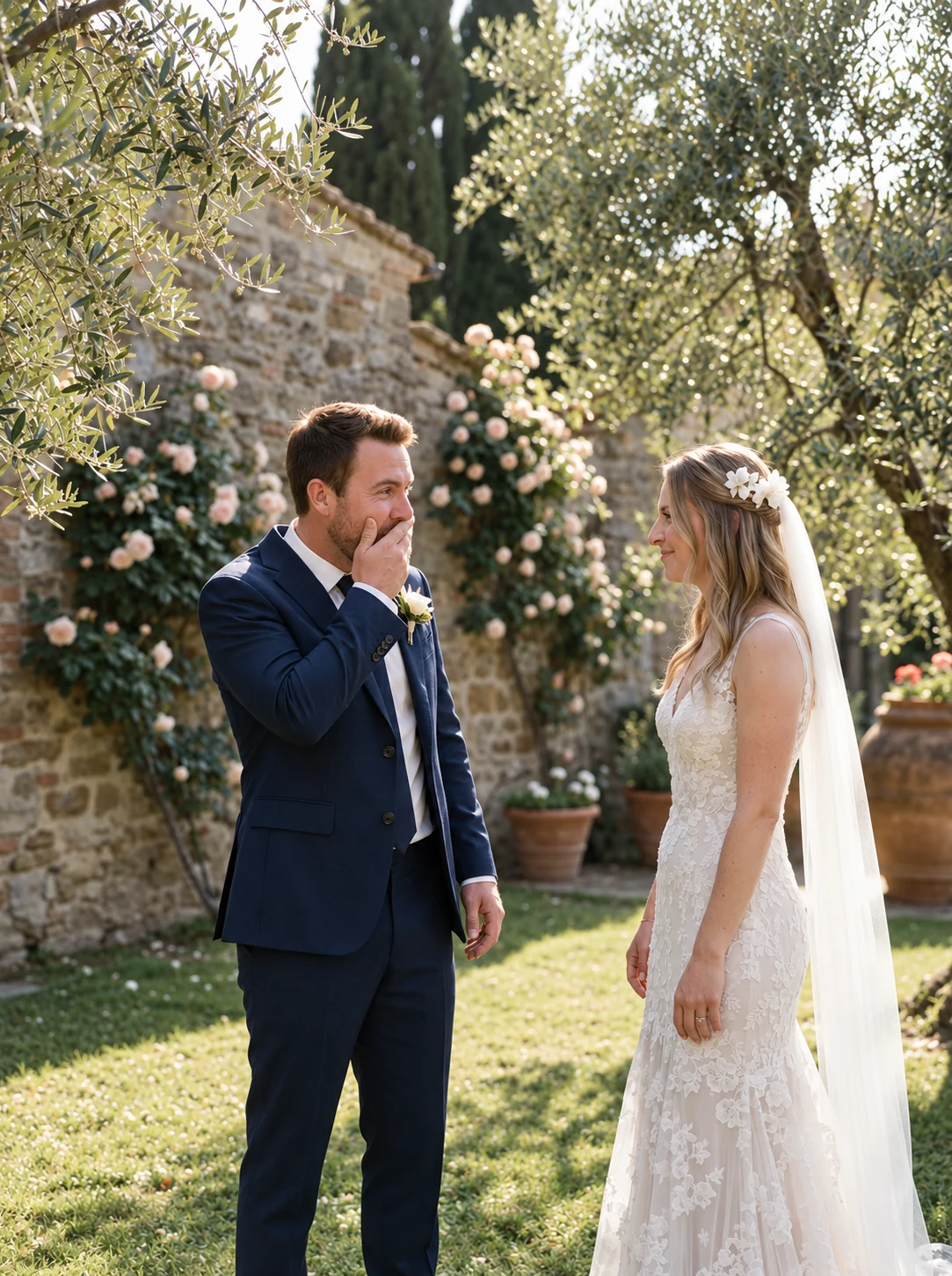
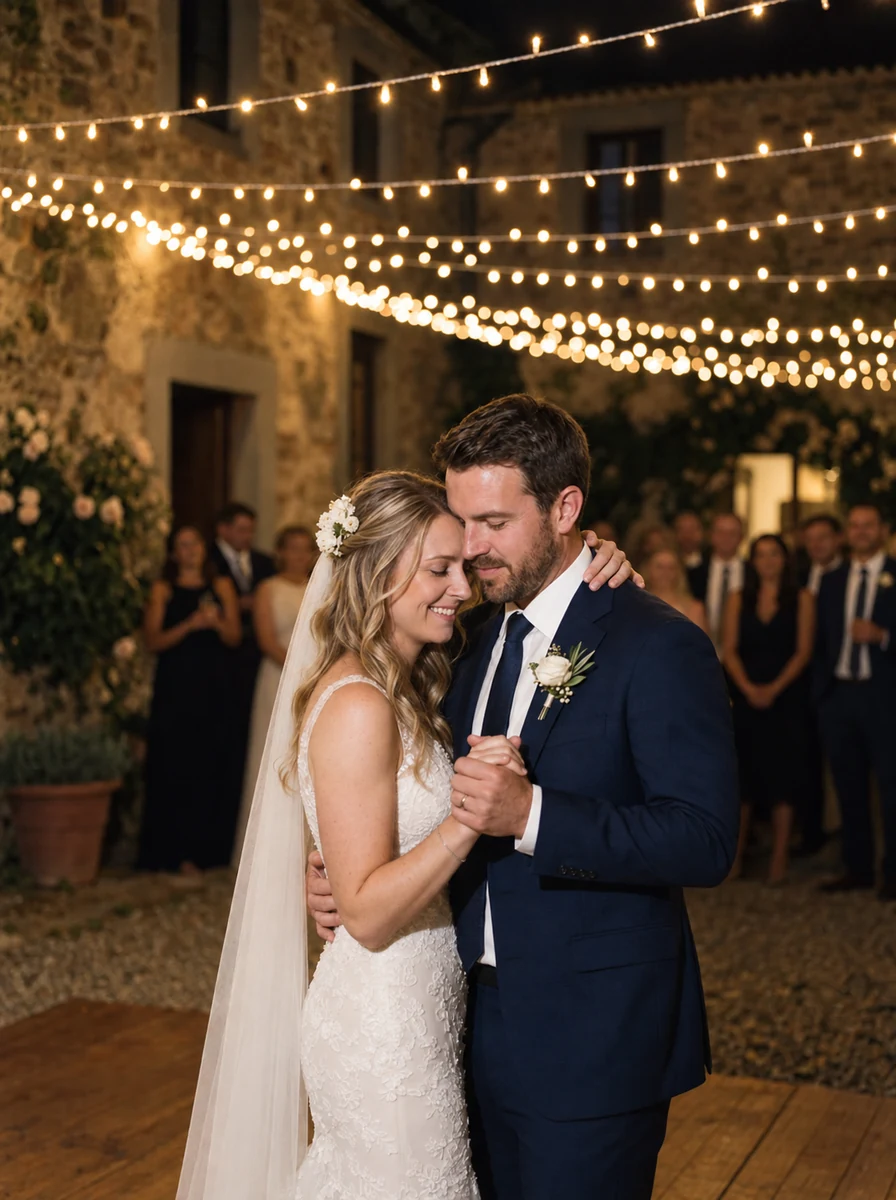
This preview uses generated sample photos and example names. It shows the gallery layout, not a customer wedding. Uploads are disabled in the public demo.
See the sample layout, then rehearse with your own album before the event.
Scan your printed QR code or open the text link in a supported browser.
Guests manually choose photos, or videos on Premium, while uploads are open. An internet connection is required.
The couple downloads original files from the dashboard. Back them up before the hosting period ends.
Choose by the guest steps, sharing settings, file quality and how you will keep a copy. Different methods suit different groups.
Use the sharing settings that fit your guests
Convenient for a small group
Wedding artwork and an album in one flow
Published features checked on 14 October 2026. Check the current settings and plan before choosing.
Every option for collecting guest photos, with the honest trade-offs:
Printed snapshots and a separate collection step
Social sharing with platform visibility settings
Use the sharing settings that fit your guests
Wedding artwork and an album in one flow
Create your album, print the cards and give guests a clear way to share the photos they choose. Download the originals during hosting and keep a backup.
One-time price — no subscription, ever.
Put the night on screen — new photos appear in a beautiful slideshow as guests upload them.
Sixteen elegant table-card designs and a welcome sign, generated for you and ready to print.
Open the gallery to guests immediately — or schedule the reveal for the morning after.
Download the original uploaded photos. Premium also includes video uploads. Both plans have a storage allowance and a fixed hosting period.
When the celebrations end, download every original in a single archive.
Unlisted album, guest access through the shared link, and couple-controlled gallery visibility. Anyone receiving a forwarded link may also gain guest access.
Try the guest journey before you buy. Then compare what happens to your photos after the reception.

Explore the sample gallery to see its layout. To check your own guest flow, open its link without your owner login, enter a name, and confirm a test photo reaches the dashboard when uploads are open.
Standard includes photo uploads; Premium adds videos and sub-albums. Standard has 2 GB storage, a one-month upload window and one-year hosting. Premium has 5 GB, three months of uploads and three-year hosting.
Download the originals before the hosting period ends and keep your own backup. Decide whether guests can view the gallery, when it is revealed, and who receives the guest link.
“Unlimited photos” means no photo-count limit within your plan’s storage allowance. Guest uploads are free; the couple pays once for the album. Check current pricing in your currency.
Everything couples ask before picking their photo sharing app.
Choose a wedding photo sharing app by testing the guest upload flow and comparing privacy, video support, storage, upload dates and download options. camera.wedding opens in the browser from a QR code, with no guest app download or account required.
Guests scan the QR code or open your guest link, enter their name and select photos in the browser. They need Wi-Fi or mobile data to upload. Try this on an iPhone and an Android phone before printing your cards.
Guests upload for free. The couple pays once for a hosted camera.wedding album. The free QR generator designs a code for an existing link; it does not include a free hosted photo album. See the pricing page for current plans and currency.
Video uploads are included with Premium. Standard supports photos. Original uploaded files are available for download during the hosting period, subject to file-size and plan storage limits.
Send your guest upload link in a thank-you message while uploads are still open. Ask for candid photos, group shots and moments you missed. Standard has a one-month upload window; Premium has three months. Download and back up the files before hosting ends.
A shared Google Drive or iCloud album can work if its account requirements, permissions and storage suit your guests. camera.wedding provides a wedding upload page, printable QR cards, gallery reveal settings and a live slideshow. Compare the guest experience and plan limits before choosing.
Still have a question?
Message usChoose a design, add your names, and print beautiful cards your guests will actually scan. Each design comes paired with the font that suits it best — keep it, or make it your own.
12 . 06 . 2027
Amelia&James
Scan to share your photos & videos with us
Scan · Snap · Upload
camera.wedding/w/amelia-james
Welcome to our wedding
Amelia&James
12 . 06 . 2027
Scan to share your photos & videos with us
Scan · Snap · Upload
camera.wedding/w/amelia-james
12 . 06 . 2027
Amelia& James
Scan to share your photos & videos with us
Scan · Snap · Upload
camera.wedding/w/
12 . 06 . 2027
Amelia&James
Scan to share your photos & videos with us
Scan · Snap · Upload
camera.wedding/w/amelia-james
16 designs · every one yours to personalize
This preview uses generated sample photos and example names. It shows the gallery layout, not a customer wedding. Uploads are disabled in the public demo.