Wedding seating chart generator
Turn a simple guest list into clear, balanced tables and a polished seating chart you can print.
Paste one guest per line, choose six, eight or ten seats per table and download your finished A4 chart—free, with no sign-up or watermark.
20 guests added · maximum 60
Guests per table
Guests are assigned in list order. Arrange related groups together before pasting for the fastest first draft.
Find your seat
Amelia & James · June 12, 2027
Table 1
- Sofia Bennett
- Daniel Bennett
- Olivia Hart
- Mateo Hart
- Priya Shah
- Noah Shah
- Hannah Cole
- Thomas Cole
Table 2
- Grace Miller
- Leo Miller
- Emma Wilson
- James Wilson
- Maya Davis
- Ethan Davis
- Clara Moore
- Henry Moore
Table 3
- Zoë Martin
- Théo Martin
- Rose Turner
- Arthur Turner
20 guests · 3 tables
A4 printable · no sign-up · no watermark
How the wedding seating chart generator works
Create a useful first draft in minutes, then refine the guest order until every table feels right.
Paste the guest list
Add one person per line and group family or friends together in the order you prefer.
Choose the table size
Switch between six, eight and ten guests per table while the printable updates instantly.
Download the plan
Export a high-resolution PNG or print-ready A4 PDF for your venue and wedding signage.

How to make a wedding seating chart
Start with relationships and practical needs; table numbers and perfect symmetry come later.
Group the obvious circles
Begin with immediate family, wedding party, school friends and work friends before solving the overlaps.
Anchor each table
Place one or two sociable guests at every table who naturally help conversation flow.
Respect accessibility needs
Keep mobility, hearing, young children and easy venue access in mind before finalizing positions.
Leave a little flexibility
Late replies happen. A draft with one spare place at several tables is easier to adjust.
Help guests find their seat—and share every photo from it
Place a matching QR album card on each table so guests can upload reception moments in seconds without an app or account.
Table-ready QR cards · private gallery · full quality

Amelia & James


Wedding seating plan tips that prevent reshuffles
A strong plan balances relationships, room logistics and enough flexibility for the final week.
Confirm the floor plan first
Ask the venue for table shapes, capacities, fixed features and sight lines before assigning numbers.
Keep couples together by default
Separate partners only when they have explicitly said they are comfortable with it.
Avoid a single ‘leftovers’ table
Distribute guests who know fewer people among warm, compatible groups instead of isolating them.
Freeze the printable late
Keep the working list editable until replies and meal choices are stable, then export the final sign.
Wedding seating chart generator questions
What to know before you assign the first table.
Collect the confirmed guest list, group people by relationship, note accessibility needs and choose the venue’s table capacity. Paste guests in your preferred order, select seats per table and refine the resulting groups before downloading.
Still have a question?
Message usCards as lovely as the rest of your stationery
Choose a design, add your names, and print beautiful cards your guests will actually scan. Each design comes paired with the font that suits it best — keep it, or make it your own.
12 . 06 . 2027
Amelia&James
Scan to share your photos & videos with us
Scan · Snap · Upload
camera.wedding/w/amelia-james
Welcome to our wedding
Amelia&James
12 . 06 . 2027
Scan to share your photos & videos with us
Scan · Snap · Upload
camera.wedding/w/amelia-james
12 . 06 . 2027
Amelia& James
Scan to share your photos & videos with us
Scan · Snap · Upload
camera.wedding/w/
12 . 06 . 2027
Amelia&James
Scan to share your photos & videos with us
Scan · Snap · Upload
camera.wedding/w/amelia-james
16 designs · every one yours to personalize
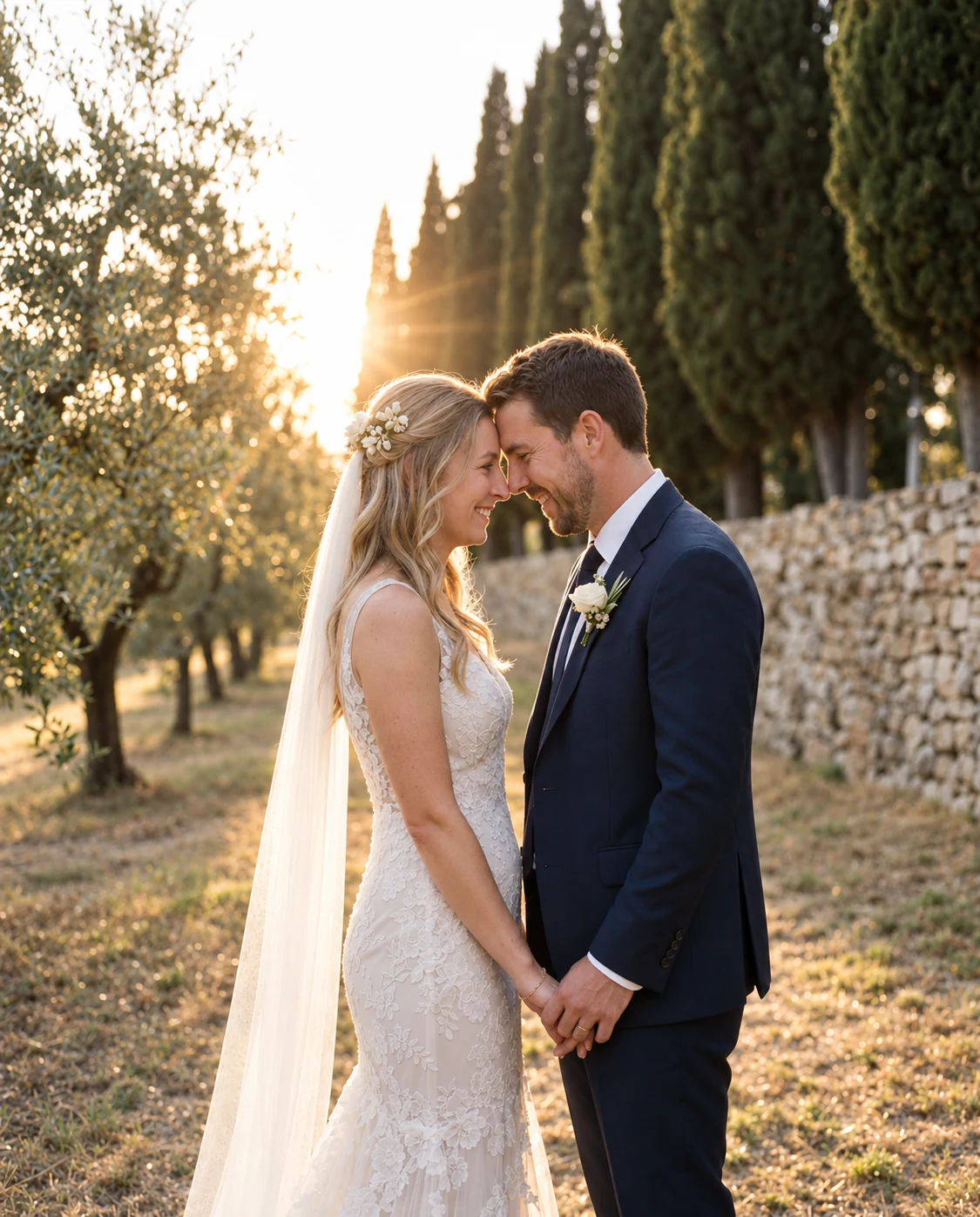
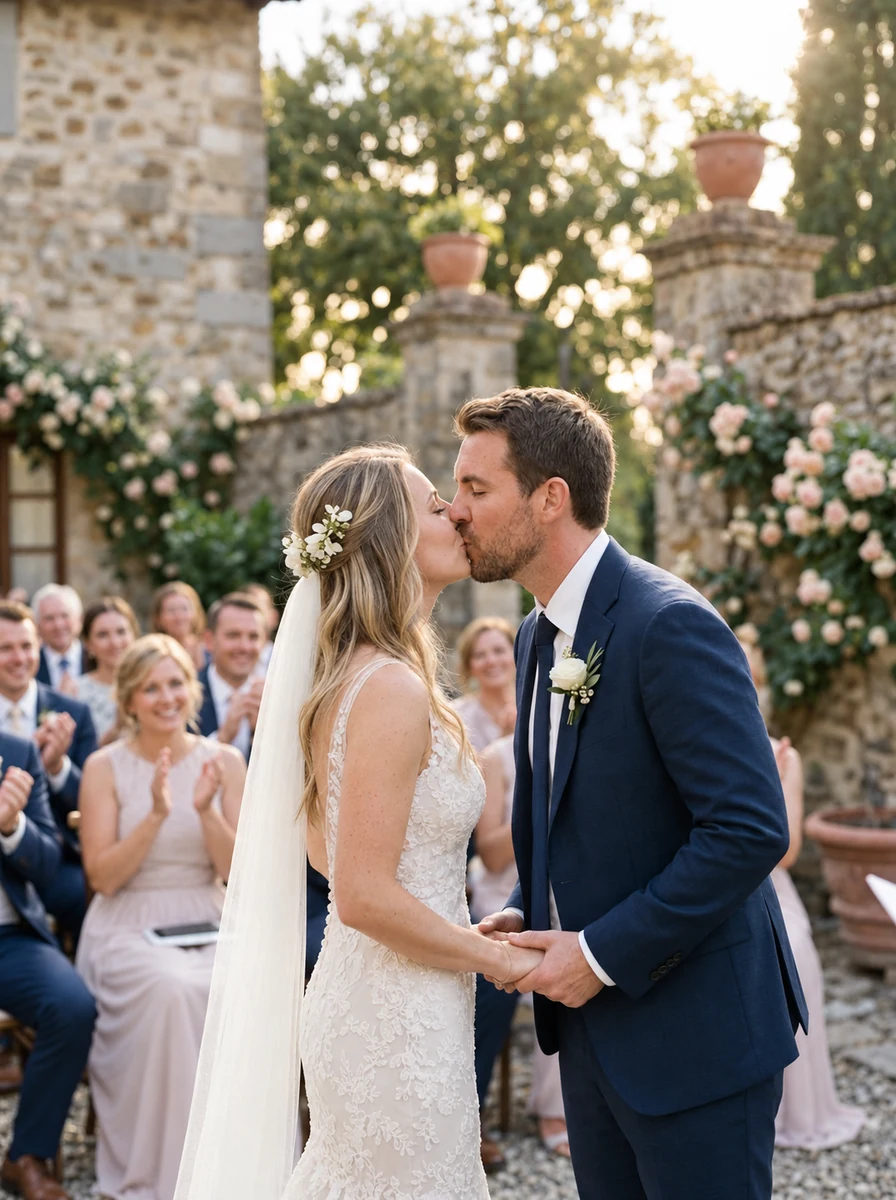
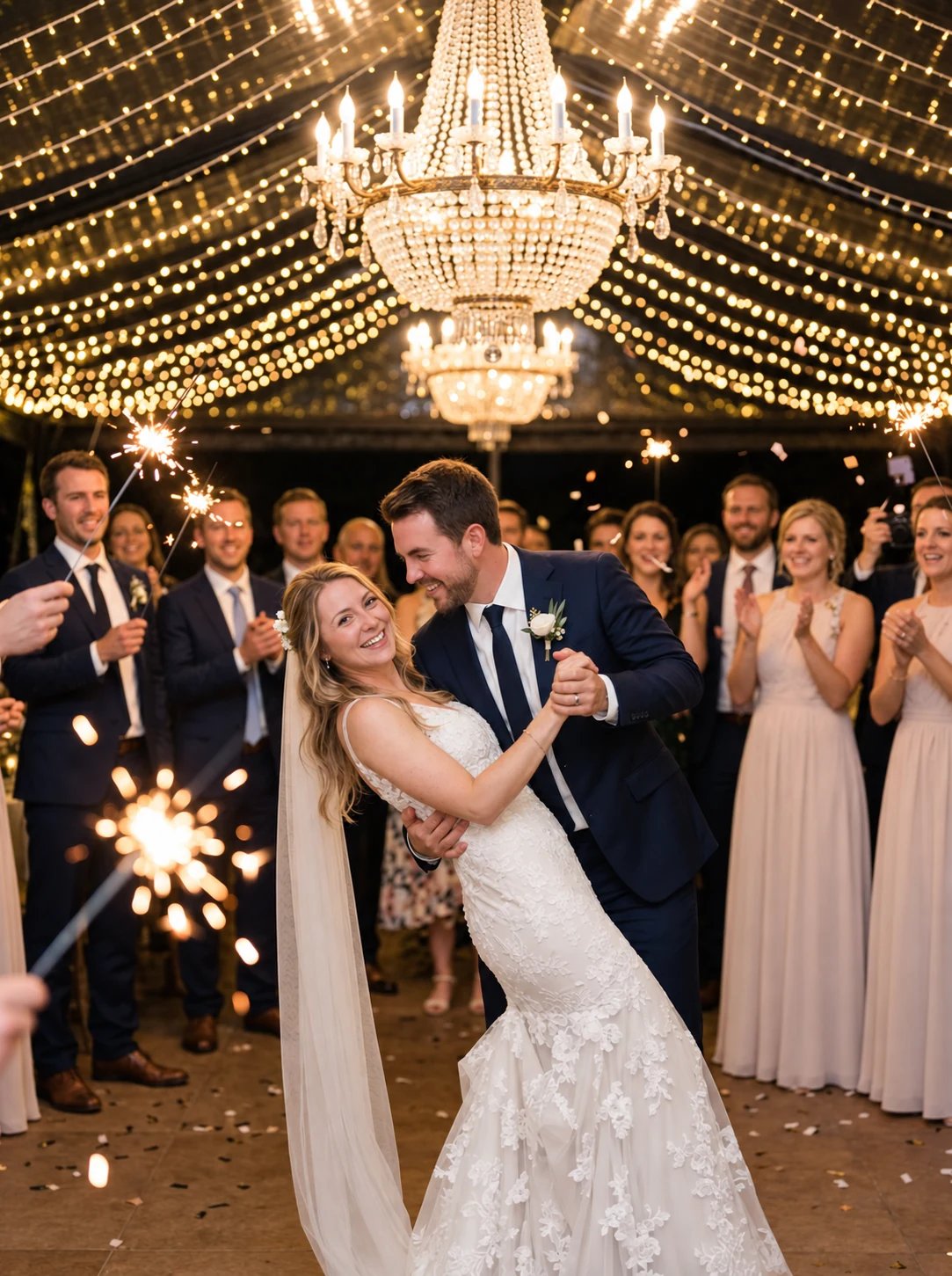
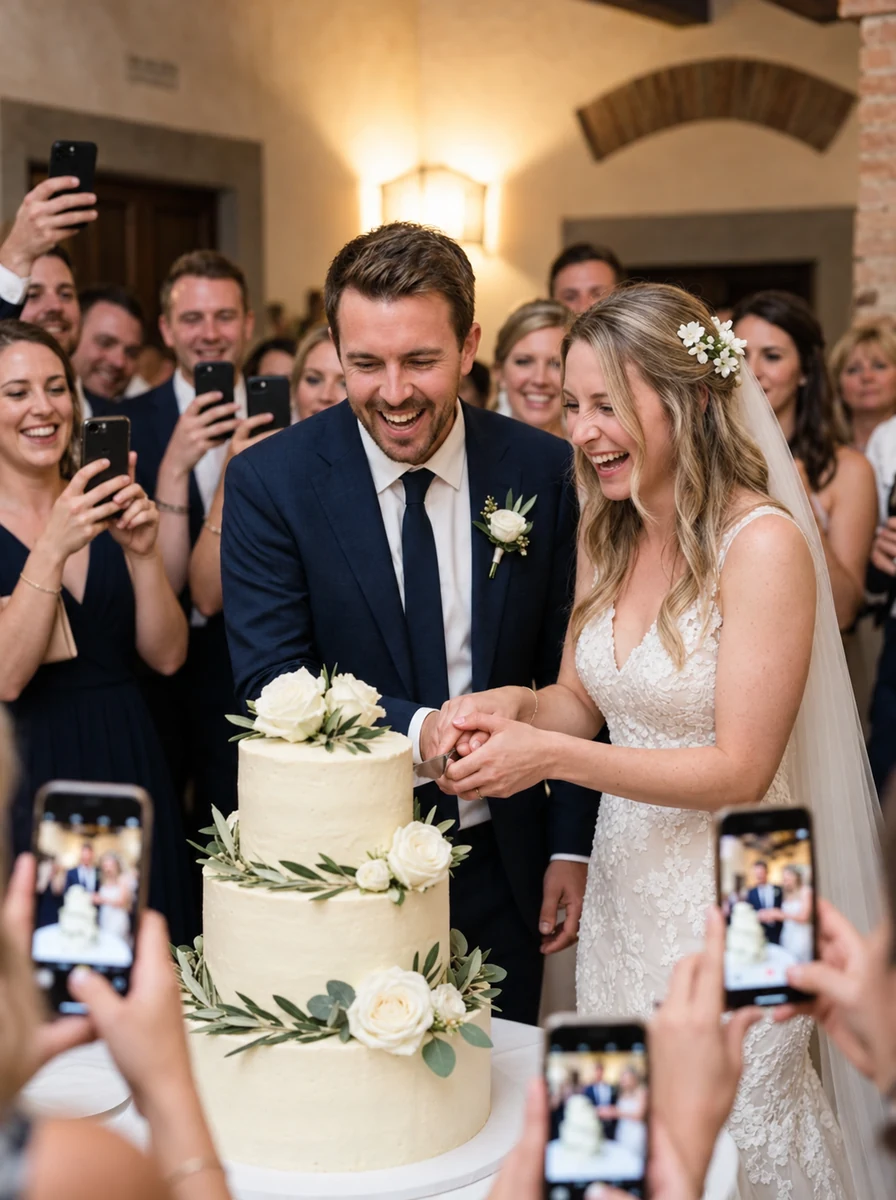
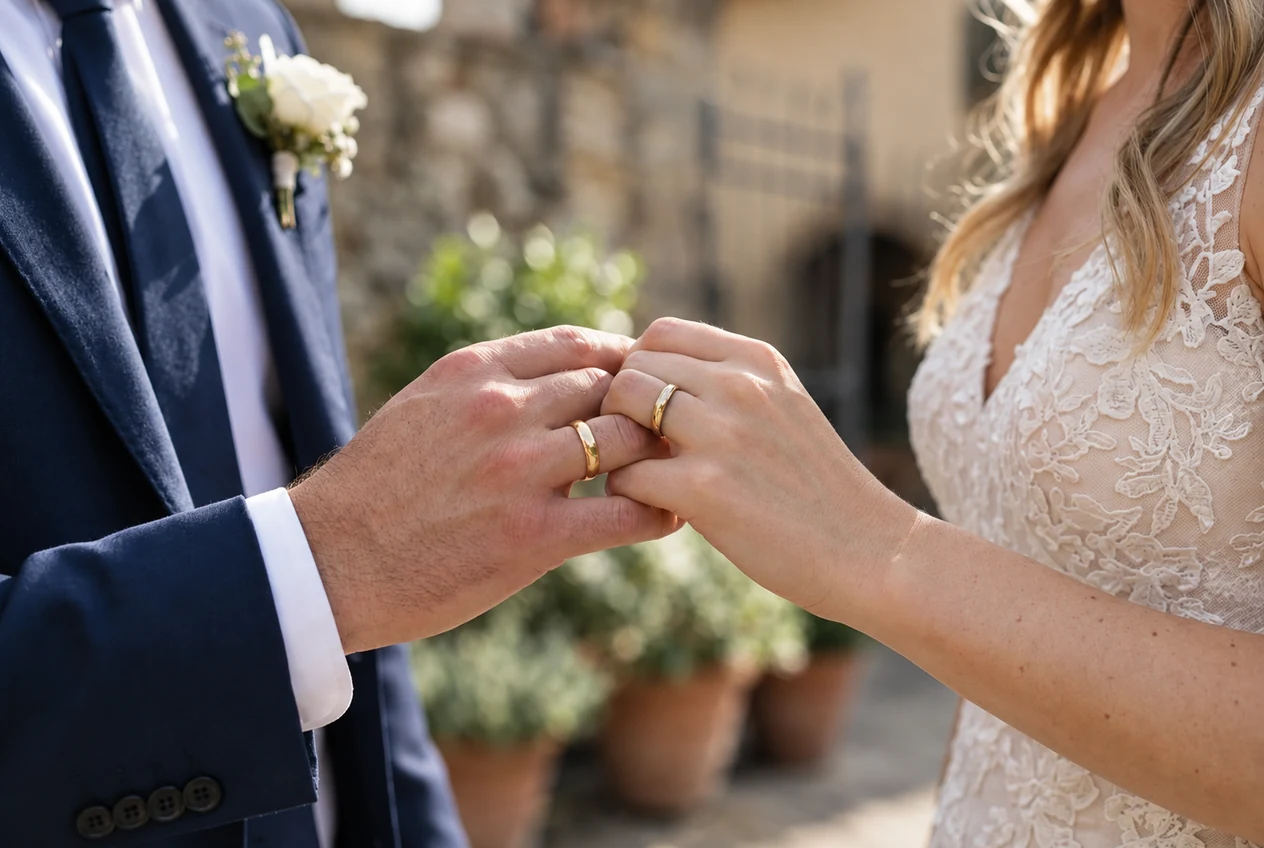
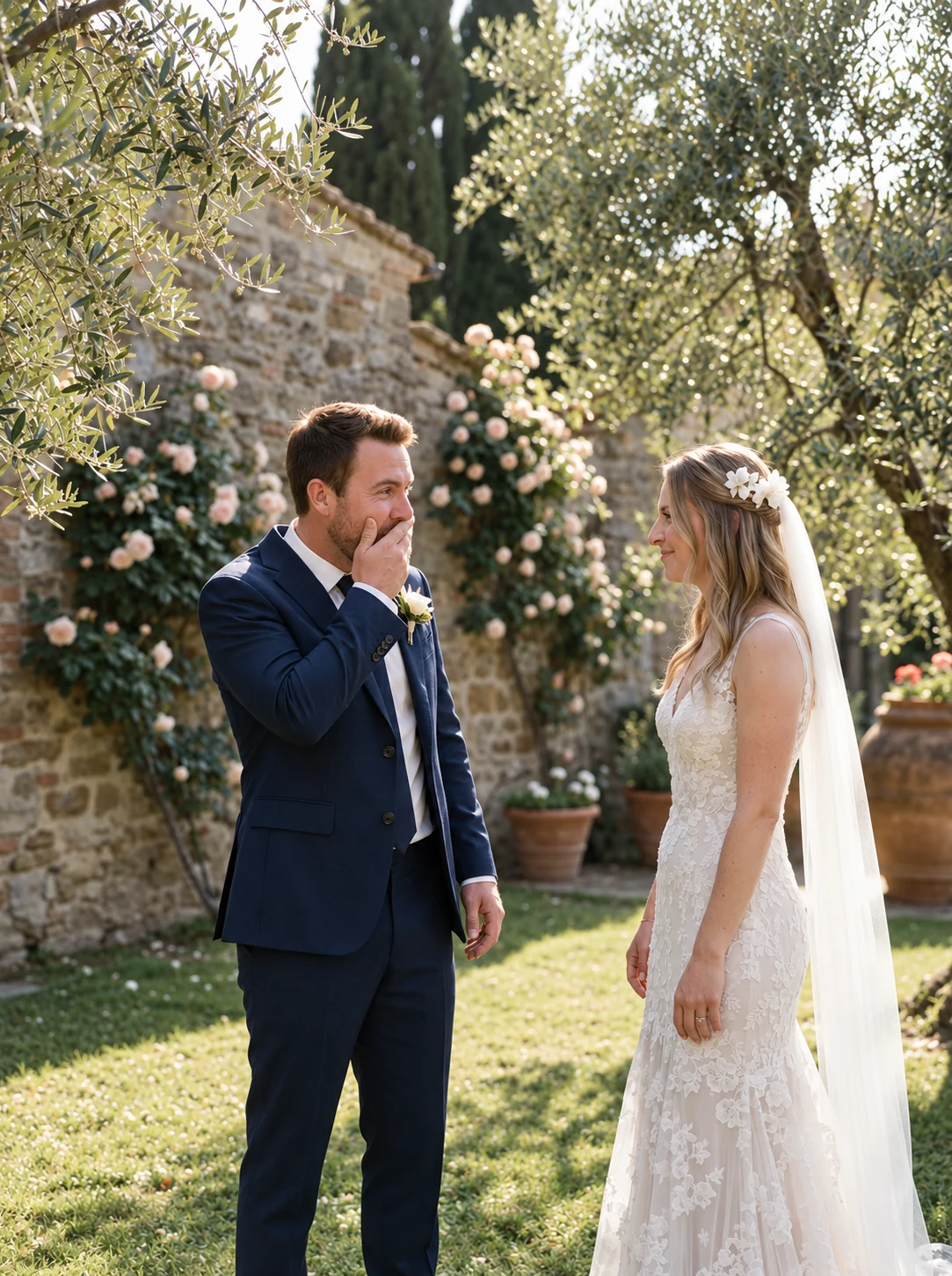
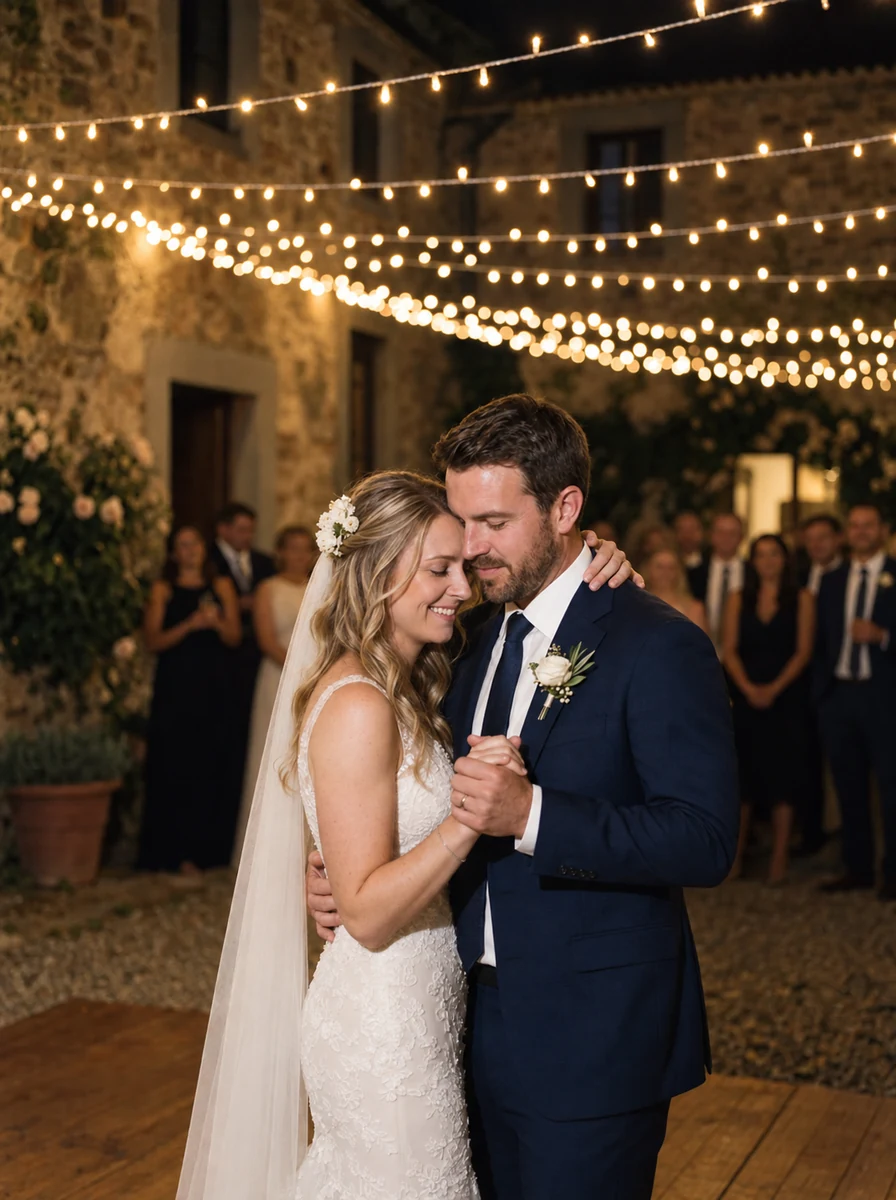
This preview uses generated sample photos and example names. It shows the gallery layout, not a customer wedding. Uploads are disabled in the public demo.